
Are you still opening PDFs, copying numbers, and pasting them into spreadsheets just to review one business loan file?
For MCA funders, brokers, and insurance teams, that kind of hands-on data entry adds up fast. Business loan applications arrive with bank statements, financial documents, and files in multiple formats.
Pulling numerical data from PDFs, images, or uploaded documents often means slow reviews and missed details.
That’s why many teams now rely on data extractor tools. These tools help scrub and extract data from documents, web pages, and files without jumping between spreadsheets, emails, and folders.
This list covers data extractor tools built to help businesses handle documents without constant copy-paste work and unnecessary delays.
TL;DR
The best data extractor tools for reviewing business loan documents in 2026 are:
- Heron
- Nanonets
- Rossum
- Klippa
- DocuClipper
What Are Data Extractor Tools?
Data extractor tools are software tools that help teams extract data from files and web pages without re-keying information.
They pull useful details from documents, emails, forms, and even data from any website, then turn that information into something teams can review, search, store, or share.
Day to day, these tools help MCA funders, brokers, and insurance teams move loan processing faster. They capture numbers, names, and tables from PDFs, images, and online pages, then turn them into structured data like CSV, JSON, or XML files.
Many tools also connect through an API so teams can integrate extracted data into their financial workflow.
Some tools act like a web scraper and support light web scraping for market research or basic analysis, while others focus on documents.
Most modern platforms stay user-friendly, secure, and built for accuracy, even when files arrive in different formats.
5 Best Data Extraction Tools in 2026
Below are data extractor tools commonly used by teams reviewing business loan files. Each one helps reduce manual work when handling documents from companies applying for loans.
1. Heron
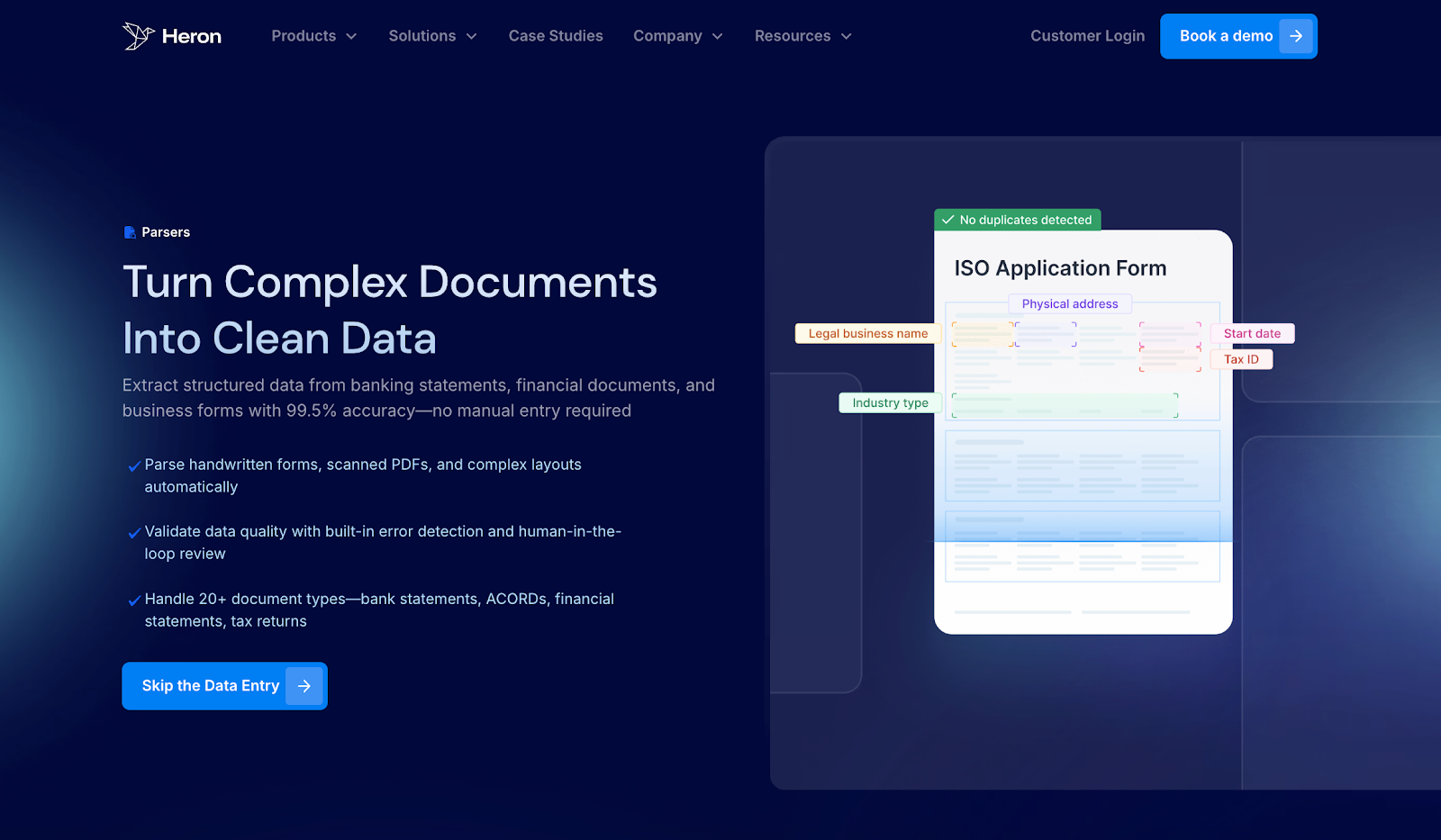
Heron is built for MCA brokers, funders, and insurance teams that handle a high volume of business loan submissions every day.
It focuses on scrubbing real documents that arrive through email, such as bank statements, applications, tax returns, and decision emails.
Heron turns them into clean, usable data inside your financial CRM, so your team can move faster without adding headcount.
Heron doesn’t just pull data. It follows the same steps your team already uses, from intake to review to decision, then handles the manual work for you.
Clients report results like a 98% reduction in processing time, 700+ more applications handled per month, and 2 FTEs freed up for underwriting and deal work.
Key Features
- Multi-source document intake - Automatically pulls data from bank statements, applications, tax returns, and decision emails received via email, portals, uploads, or API.
- Bank statement scrubbing - Scrubs deposits, withdrawals, cash flow patterns, and risk signals into structured fields ready for review.
- Submission package handling - Reviews entire submission packages together, even when files arrive in mixed formats or with missing items.
- Built-in validation and checks - Flags missing data, out-of-appetite submissions, and document issues before files reach underwriting.
- Business verification signals - Adds KYB, SOS checks, web presence analysis, and court research to enrich data.
- Direct CRM sync - Sends scrubbed data straight into your CRM without re-entering data by hand.
If your team wants to scrub documents faster and keep deals moving, book a demo with Heron.
2. Nanonets
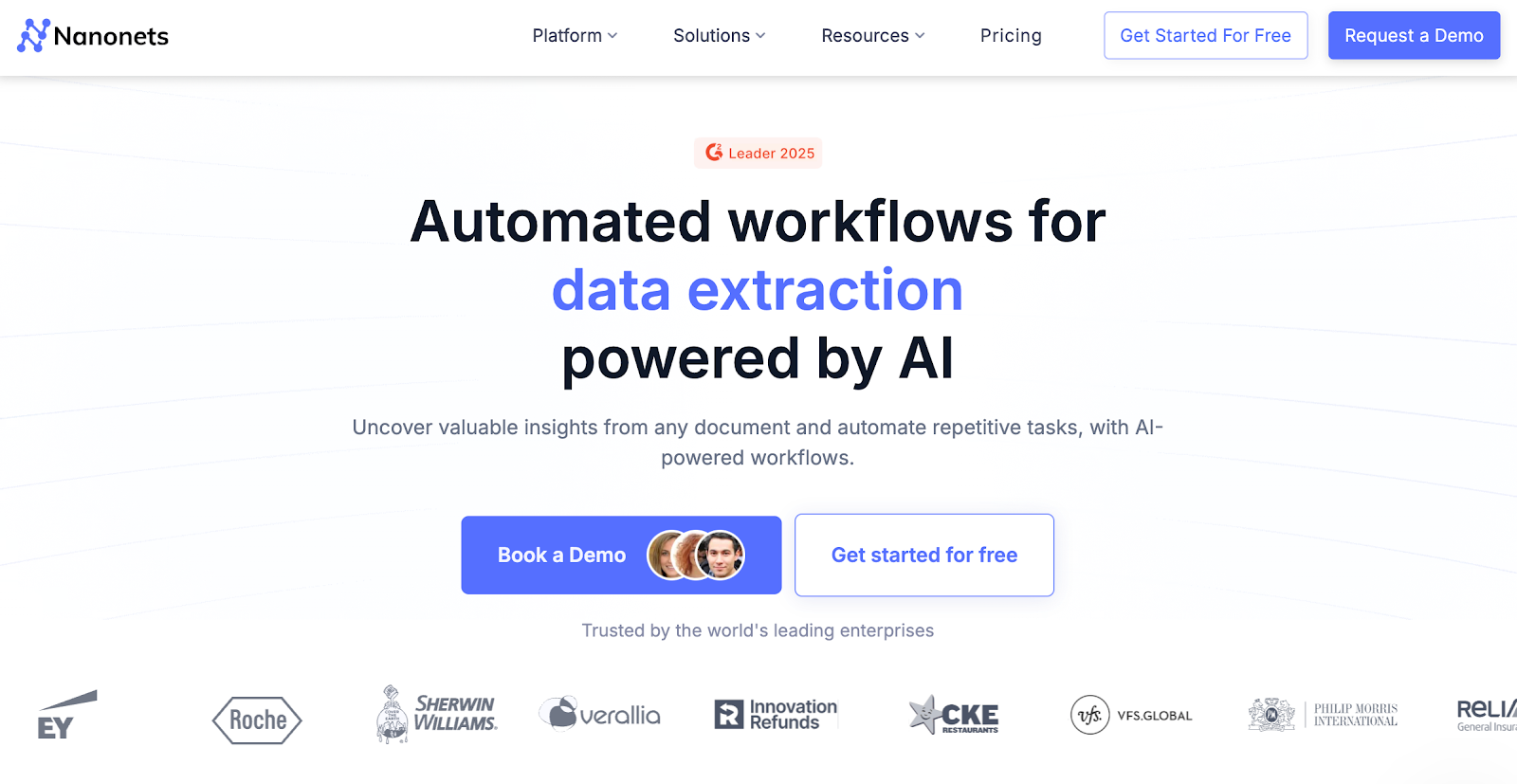
Nanonets is a data extraction software used by teams that need to pull information from structured and semi-structured documents. It often appears in workflows where businesses collect data from invoices, forms, or financial files and turn it into usable datasets.
For teams handling business loan documents, Nanonets can help capture fields from PDFs or scanned files and move them into spreadsheets or other systems for review. Analysts often use it to spot basic patterns in documents and prepare data for follow-up work.
The setup can work without coding required, though some teams choose to fine-tune results over time with additional training.
Key Features
- Custom data capture - Pulls defined fields from documents using templates
- Document extraction - Works with PDFs, images, and common file types
- API access - Lets teams integrate extracted financial data with other tools
- Export options - Allows teams to download data into spreadsheets
- Model training - Helps improve accuracy as document formats repeat
3. Rossum
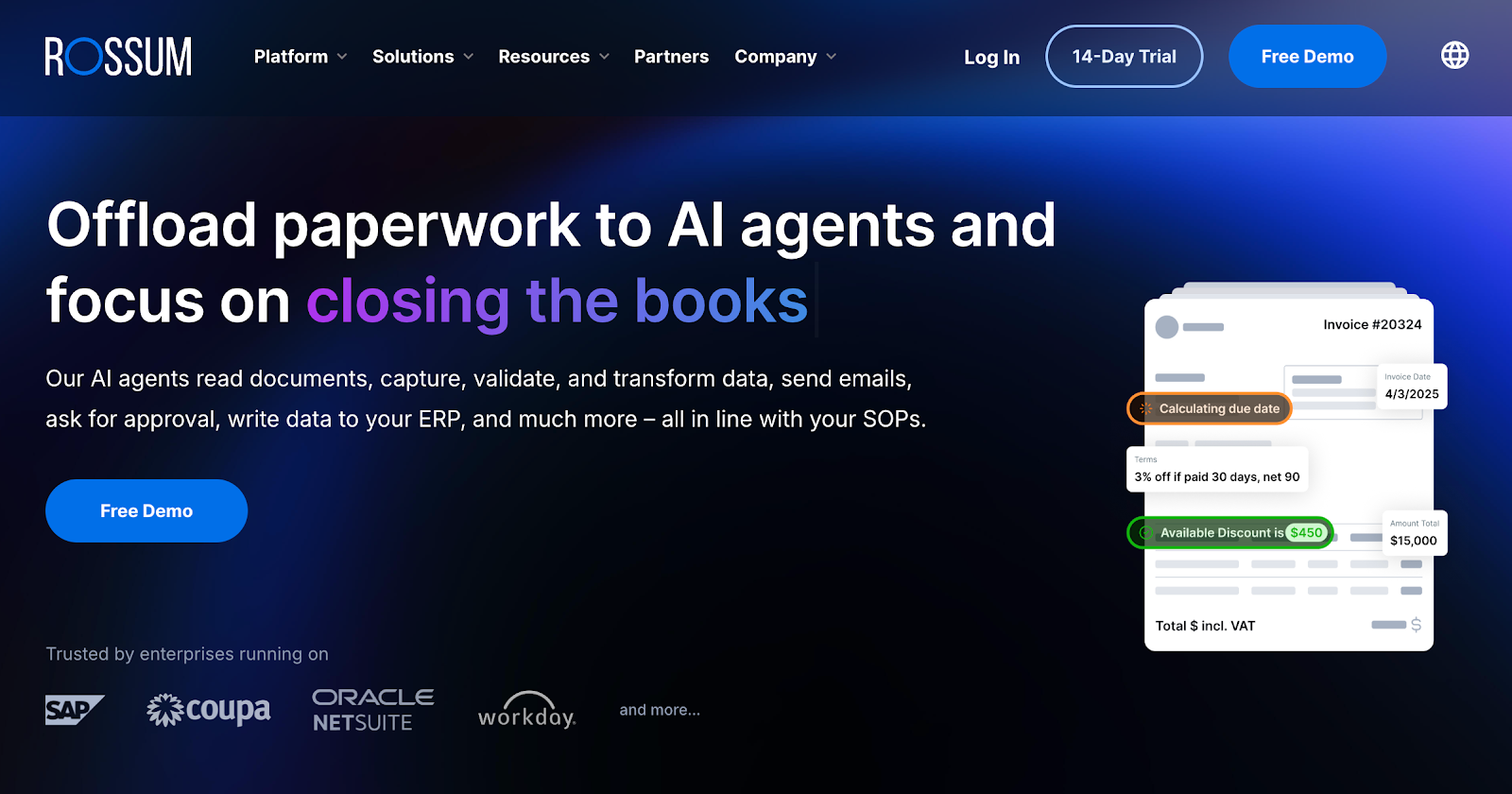
Teams that handle repeat financial statements and similar documents often use Rossum to capture data from structured files like invoices and standardized forms. It fits workflows where documents follow similar layouts and need the same fields pulled each time.
In business loan reviews, Rossum is usually applied when files come in predictable formats and teams want consistent results across large batches.
The tool focuses on pulling values with a high level of precision, then passing that information into other systems for reporting or review.
Setup is no-code for standard layouts, with optional engineering support when documents become more complex.
Key Features
- Structured document capture - Pulls fields from repeat financial layouts
- Accuracy checks - Supports consistent results across similar files
- System connections - Shares data with finance or sales tools
- Human review steps - Allows users to confirm results before use
- Volume handling - Supports higher document volumes with similar formats
4. Klippa
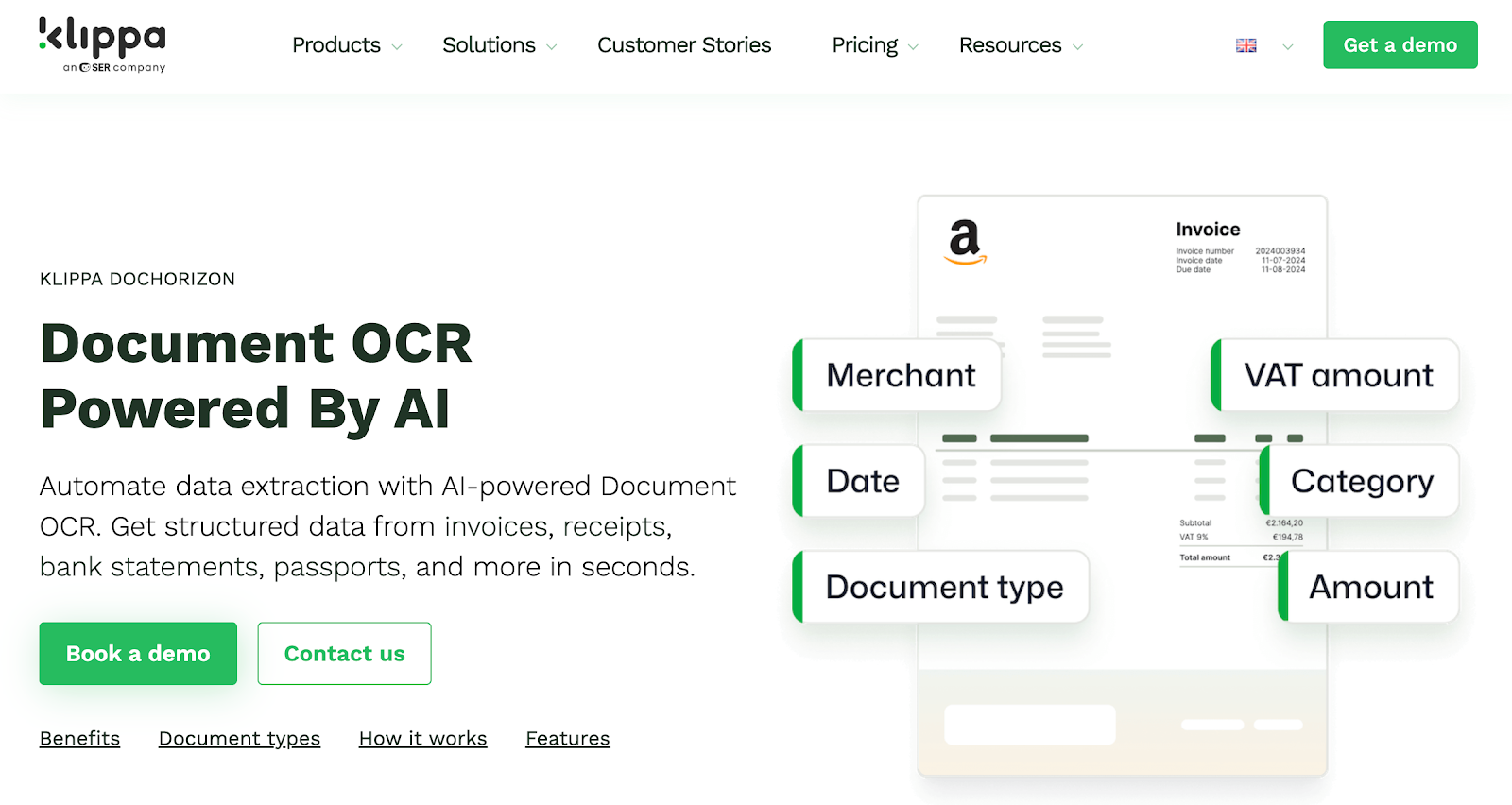
Klippa is a document data capture tool used by teams that need to pull information from business documents such as invoices, receipts, and contracts.
It often appears in workflows where companies want a structured way to collect data from incoming files and route it for review.
In business loan and insurance workflows, Klippa is typically used to extract set fields from standard documents and prepare them for internal review.
Teams rely on it when documents follow known formats and when a broader document technology stack is already in place. Setup usually starts with a basic install, with options to adjust rules as needs change.
Key Features
- AI-powered OCR document data capture - Pulls defined fields from common business documents
- AI/ML classification - Auto-classifies documents based on trained layouts, not rigid templates
- Format support - Handles PDFs, images, and scanned files
- Workflow routing - Sends results to downstream systems or teams
- Review controls - Let users check results and confirm answers before use
5. DocuClipper
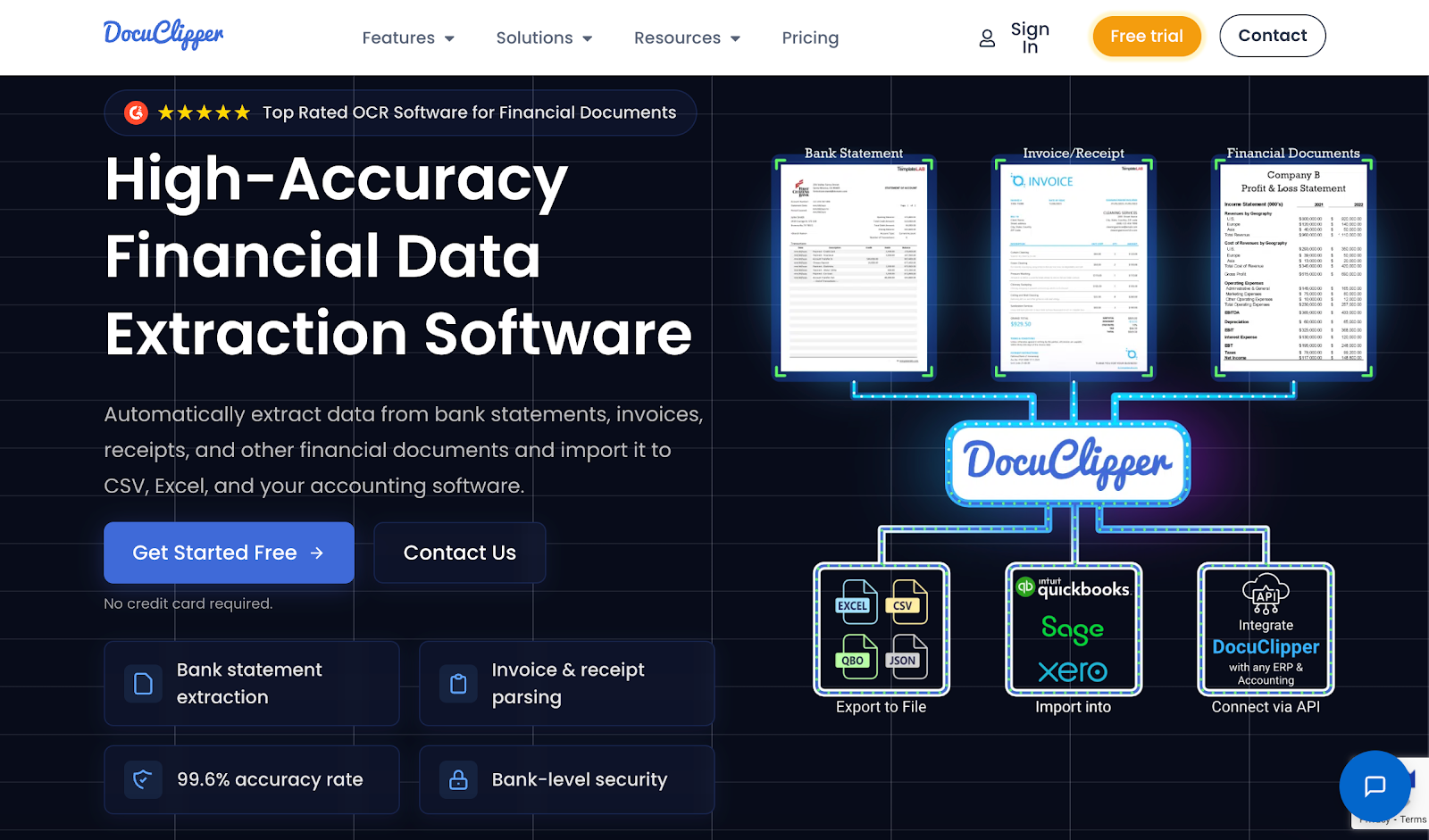
DocuClipper is a bank-statement-focused tool used by teams that need to pull transaction data from PDF statements. It’s often used when businesses applying for loans submit bank statements, and teams need those numbers in a format they can review or share.
In lending workflows, DocuClipper helps convert statements into structured outputs that support cash flow review and basic analysis. Teams commonly use it to create spreadsheets, review totals, and build simple charts for internal checks.
Some researchers and analysts also use it when they need statement data separated and organized for specific use cases.
The tool is typically used when files follow standard bank formats and don’t require complex review steps across multiple parties.
Key Features
- Bank statement conversion - Pulls transaction data from PDF statements
- Data organization - Groups deposits and withdrawals for review
- Export formats - Sends outputs to spreadsheets for analysis
- Visual summaries - Supports basic totals, automatic balance checks, and charts
- Repeat use - Works well with recurring statement formats
When Data Extractor Tools Make the Biggest Difference
Data extractor tools make the biggest difference when document volume grows faster than your team. MCA funders, brokers, and insurance teams see this when inboxes fill with bank statements, PDFs, and follow-up files tied to business loan reviews.
They help when teams need to scrape data from many documents at once and keep reviews moving on tight timelines. These tools also support teams that rely on basic data maps to understand where information belongs before it reaches underwriting or ops.
You’ll see the biggest impact in situations like:
- High daily submission volume from brokers or partners
- Tight review timelines tied to each credit decision
- Files arriving in mixed formats, including PDFs and simple HTML exports
- Teams overseeing intake, review, and follow-ups at the same time
In these cases, data extractor tools help teams stay on track, reduce manual steps, and keep decisions moving across the rest of the workflow.
Explore a Smarter Way to Scrub Loan Documents With Heron!

Reviewing business loan documents shouldn’t eat up your team’s day. When submission volume increases, and files arrive in different formats, review work starts to slow everything down and pushes real deal work aside.
A strong data extractor tool helps teams keep submissions organized, catch issues earlier, and move files through review without constant back-and-forth. For MCA funders, brokers, and insurance teams, that means fewer missed details, faster decisions, and less time spent fixing the same files twice.
If your team handles a steady flow of business loan submissions and still copies data between systems, Heron is built for that reality.
It works with real submission files, follows your existing review steps, and removes the extra handling that usually causes delays.
Book a demo to see how teams scrub documents faster and keep deals moving without adding headcount.
FAQs About Data Extractor
What does a data extractor do?
A data extractor pulls information from documents, emails, forms, or web pages and turns it into structured data that teams can review, store, or send to other systems. In lending and insurance workflows, it helps teams move faster by reducing manual data entry from business loan files.
How can I extract data for free?
You can extract data for free using basic tools like spreadsheets, browser extensions, or limited free plans from data extraction software. These options often work for small volumes, but they usually require more hands-on effort and don’t scale well for high-volume business loan reviews.
Is data extraction legal?
Data extraction is legal when you have permission to access the data and use it for a valid business purpose. MCA funders, brokers, and insurance teams typically extract data from documents submitted directly by businesses applying for loans, which is a standard and accepted practice.
Can AI do data extraction?
Yes, AI can extract data from documents, PDFs, and images by identifying text, tables, and key fields. Many modern tools use AI to improve accuracy and handle messy or inconsistent files, especially in business loan and underwriting workflows.
Do data extractor tools create ternary diagrams?
Most data extractor tools do not create ternary diagrams, since these charts are mainly used in research and scientific fields. Lending and insurance teams usually rely on tables, summaries, and basic charts instead.
Explore a Smarter Way to Scrub Loan Documents With Heron!
Book a demo to see how teams scrub documents faster and keep deals moving without adding headcount.