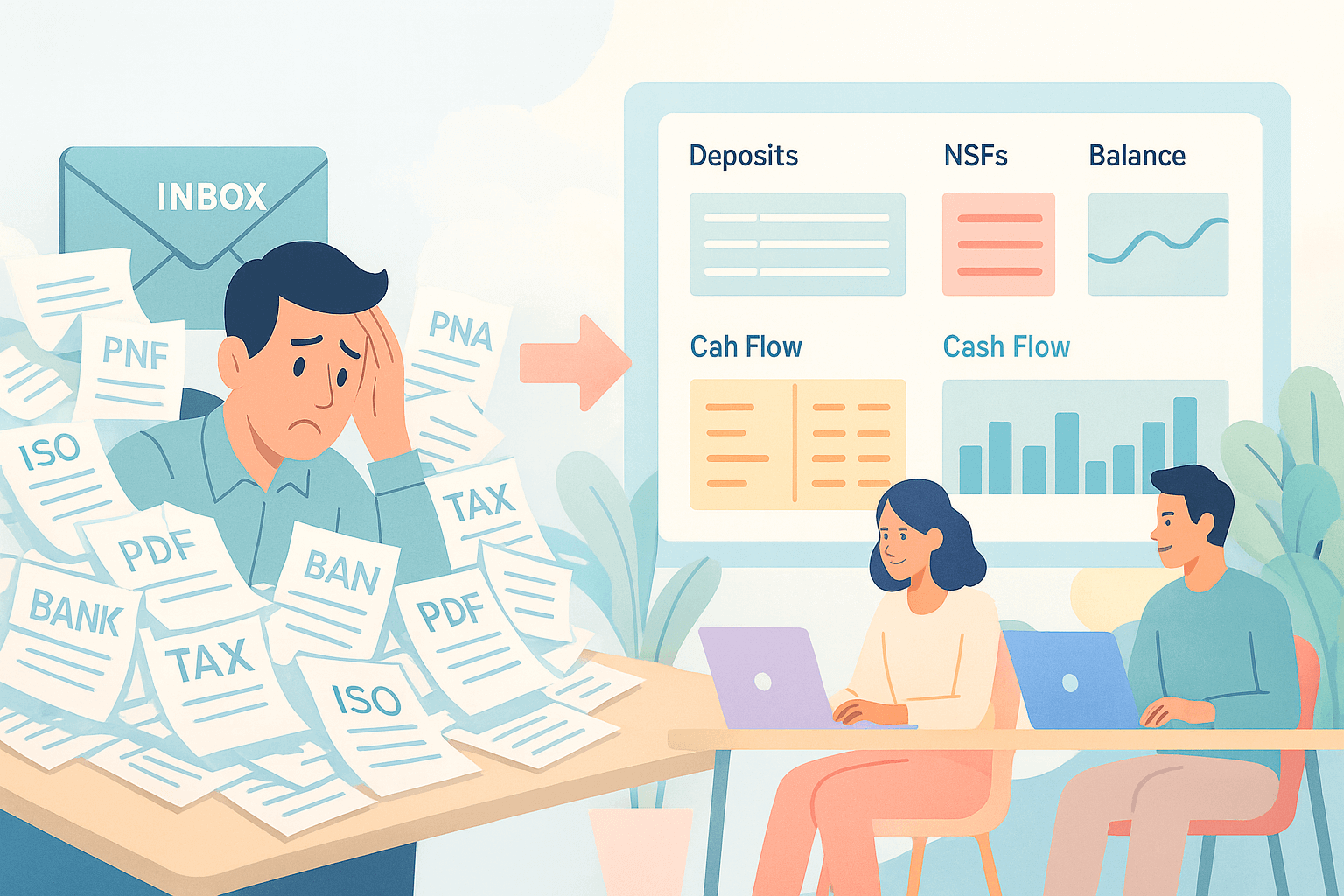
Ever open your inbox and feel buried under PDFs, bank statements, tax returns, ISO apps, and decision emails before 10 a.m.?
Most funders and brokers are familiar with this feeling. Files pile up faster than your team can review them, and everything slows the moment manual typing begins.
Underwriters lose hours to scrubbing bank statements instead of working the deals that matter. Brokers wait for updates. Merchants wait for answers. The queue grows even when your whole team is moving as fast as they can.
Teams across SMB lending, equipment finance, and insurance deal with this every day. The work isn’t hard. It’s just constant. You know the numbers you need, but pulling them out of a messy PDF takes time you don’t have.
Financial data extraction software changes that. It turns mixed files into clean, ready-to-use data your team can trust. This helps you move more deals without hiring extra staff.
Let’s look at six of the best financial data extraction software tools you can explore today.
TL;DR
These are the best financial data extraction software:
- Heron
- Veryfi
- DocuClipper
- Nanonets
- Docsumo
- Klippa DocuHorizon
What Is Financial Data Extraction Software?
Financial data extraction software is a tool that reads the documents your team handles every day and turns them into clear, usable data you can work with right away.
It extracts key numbers from bank statements, financial statements, tax forms, and applications without any manual data entry. The software reads PDFs, scans, email attachments, and other common document formats, even when the quality isn’t perfect.
From there, it extracts revenue, balances, NSF payments, retained earnings, positions, business details, and contact information, then places everything into clean fields that you can import into your CRM, loan origination system, or existing financial systems.
You get clear data instead of pages of paperwork to dig through, which helps your team work faster and stay consistent from file to file.
6 Best Financial Data Extraction Software
Here are six financial data extraction tools many teams use to scrub files, cut manual entry, and keep decisions moving.
1. Heron
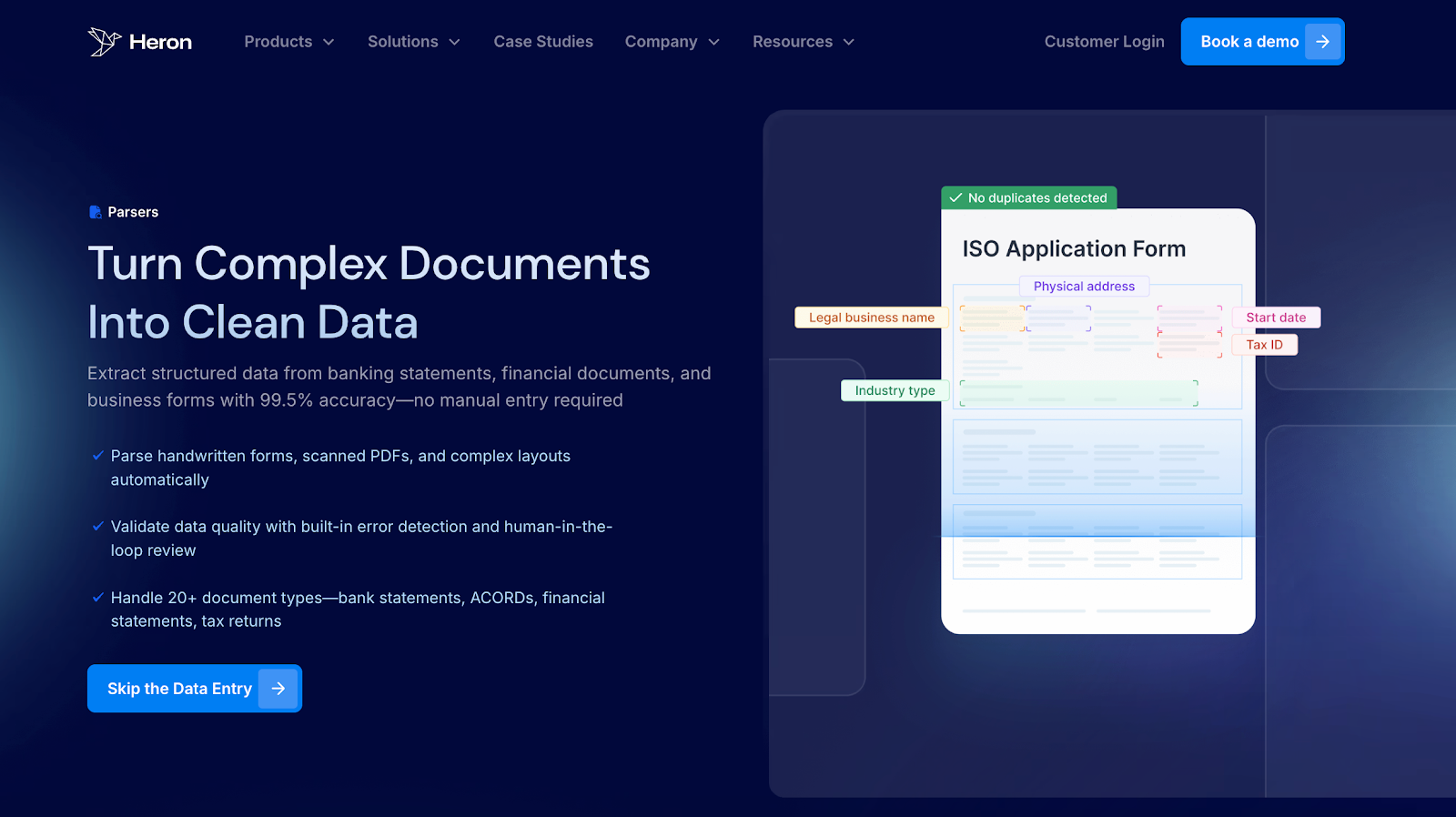
Heron gives MCA funders and brokers a faster way to handle every file that comes in, such as business bank statements, financial statements, tax returns, ISO apps, and full packages.
The moment a document hits your inbox, Heron reads it and turns it into clean data fields your team can use. Your team opens the file in Heron, skims the pre-filled fields, and moves straight to a credit decision without typing anything in by hand.
Deposits, balances, NSFs, positions, and business details appear already organized, so no one is typing numbers or flipping through pages.
Heron also checks the health of each file as it’s read. It flags missing or repeated pages, calls out strange activity, and catches signs of document fraud early.
The system adds extra business context too, including KYB checks, Secretary of State data, web presence analysis, and instant court research. When everything is ready, the results flow straight into your CRM or LOS, so underwriters stay focused on real decisions.
Heron is built for high-volume teams that want intake, scrubbing, checks, and sync handled in one clean workflow.
Key Features
- Smart data checks - Flags missing months, duplicates, strange activity, or incomplete files early.
- Business enrichment - Adds industry info, SOS results, web presence signals, and address checks.
- Fraud detection - Identifies altered statements, repeated pages, and unusual transaction patterns.
- Policy matching - Applies your revenue, NSF, and state rules so underwriters see qualified files first.
- High-accuracy scrubbing - Pulls deposits, balances, NSFs, cash-flow signals, and financial details with 99%+ accuracy.
- Instant sync - Sends structured fields into Salesforce, Zoho, Northteq, Leasepath, and more.
- Secure by design - SOC2, GDPR, and CCA compliant, trusted by 130+ financial teams.
2. Veryfi
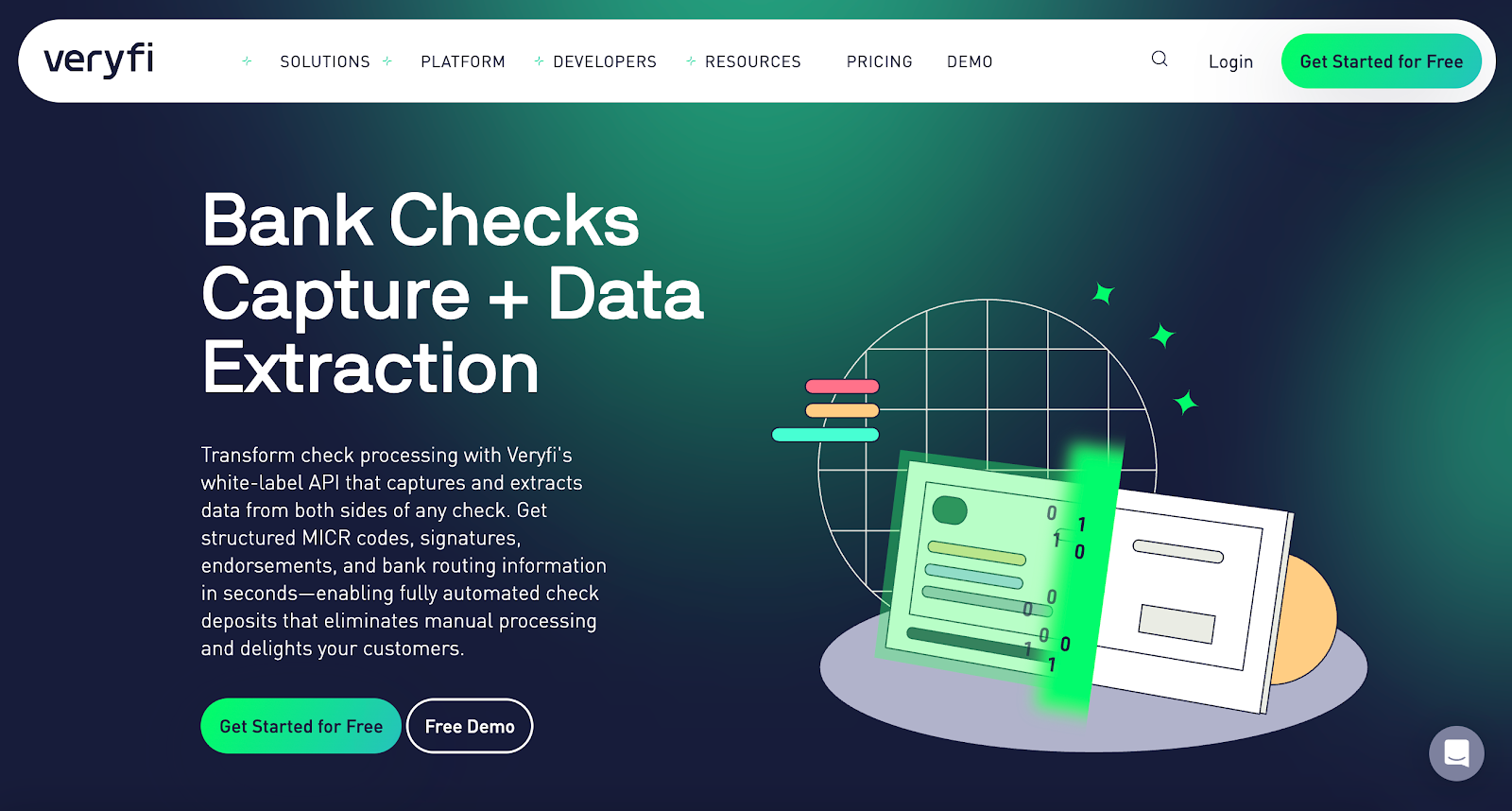
Veryfi extracts data from receipts, invoices, bills, and other expense documents. Users upload a file through mobile, web, or API, and the system pulls out details like totals, dates, vendor names, and line items.
For MCA funders and brokers who receive mismatched documents with an application package, Veryfi gives a quick way to check expenses, vendor activity, or monthly spending patterns without digging through PDFs.
Because it supports photos, scans, and low-quality images, it also helps when partners send paperwork in different formats. Once processed, the extracted fields can move into spreadsheets, accounting software, or reporting tools.
In most cases, a user snaps a photo or uploads a PDF, waits a few seconds, and then checks a clean table of totals they can compare against the rest of the file.
Key Features
- Multi-document support – Reads receipts, invoices, bills, and similar financial paperwork.
- Optical character recognition (OCR) extraction – Captures totals, dates, descriptions, and vendor details from scans and images.
- Mobile and API upload – Accepts files through phone apps or system integrations.
- Structured export – Sends organized data to Excel, CSV, or accounting tools.
3. DocuClipper
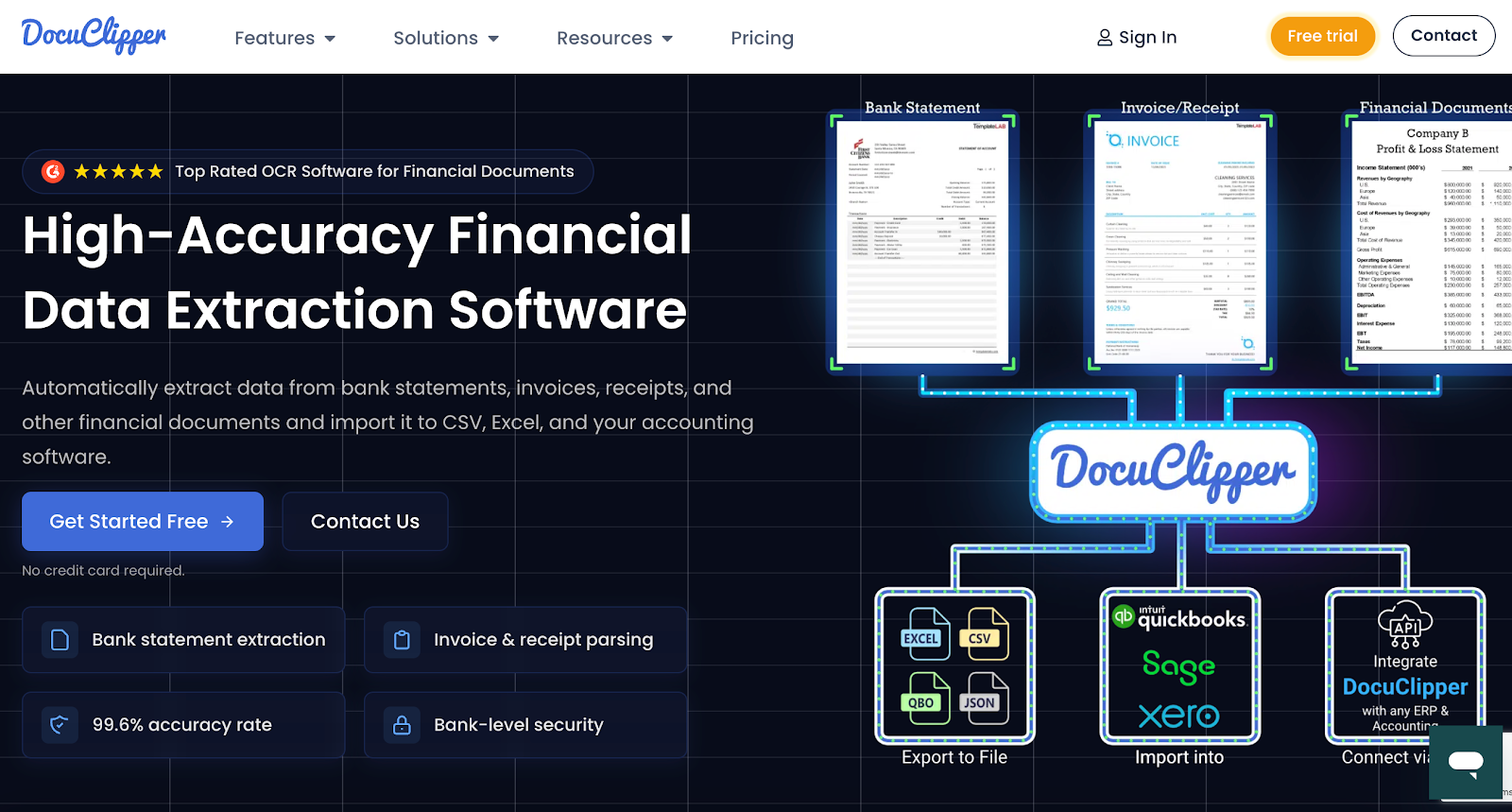
DocuClipper pulls out data from PDF bank statements and financial statements and turns them into clear tables your team can review.
You upload a statement, and the system pulls out deposits, balances, transactions, and other relevant data points that would normally take time to enter by hand.
Reviewers see the statement laid out as rows and columns, can spot monthly patterns at a glance, and then download the data for actionable insights during underwriting or cash-flow checks.
It also helps when statements come in different formats. DocuClipper reads single-page, multi-page, or scanned files and lays everything out in a simple table your team can scan during review.
Key Features
- PDF upload – Reads single or multi-page statements, including scanned copies.
- OCR extraction – Captures balances, deposits, withdrawals, and transactions.
- Multi-account support – Separates multiple accounts listed within one PDF.
- Batch conversion – Converts several statements at the same time.
4. Nanonets
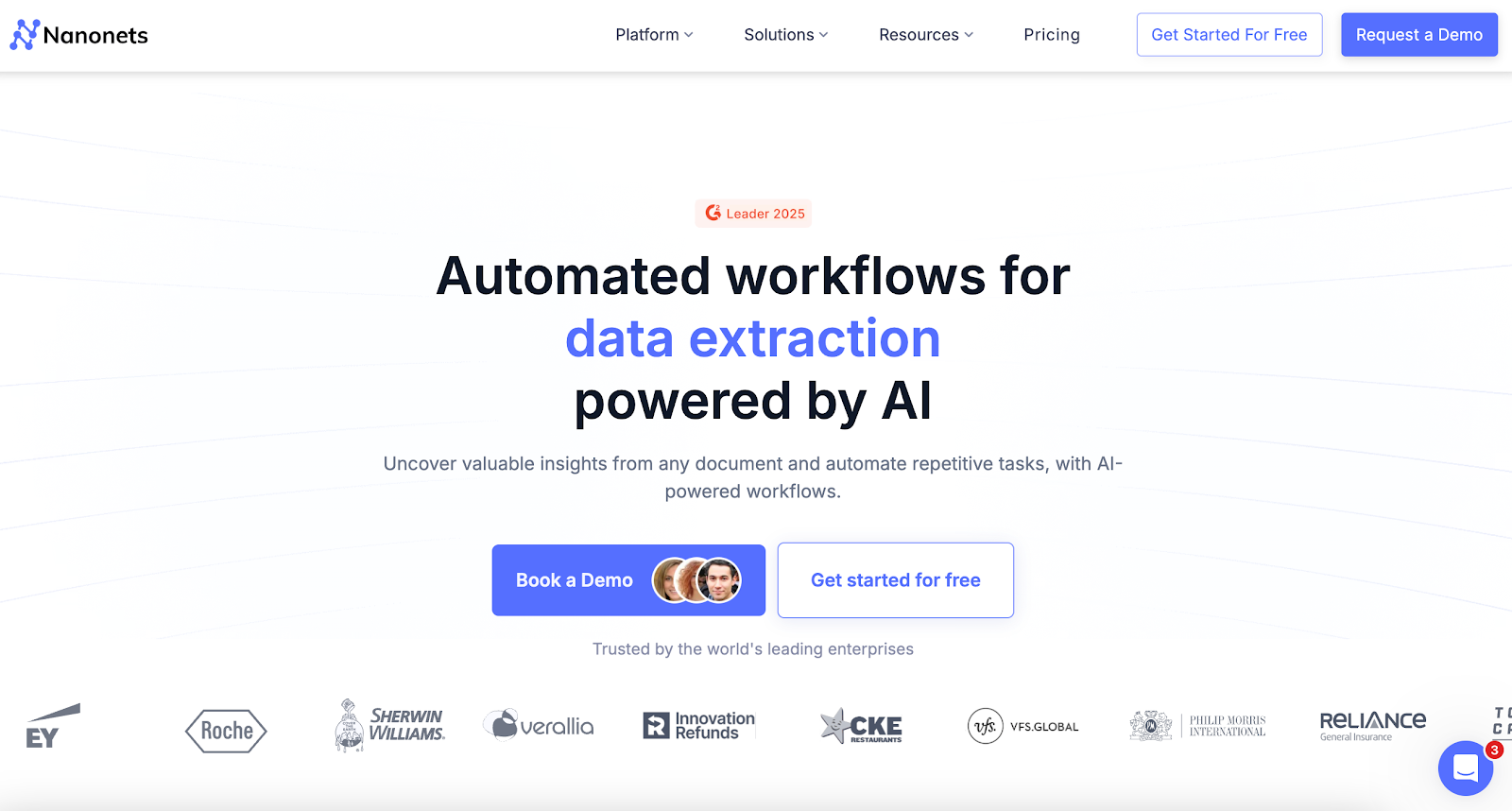
Nanonets uses artificial intelligence to read PDFs, scanned files, and other unstructured data, then turns everything into machine-readable text your team can use.
Funders often turn to Nanonets for automated data extraction when they want faster access to balances, transactions, or cash flow statements without a long, time-consuming process.
It helps teams accurately extract relevant information from PDF financial statements, even when files come in many different formats.
A reviewer uploads a batch of files, watches Nanonets detect tables and rows, and then checks the extracted transactions for up-to-date information before exporting. This helps reduce the amount of repetitive data entry your team has to handle.
Key Features
- PDF and scan upload – Reads bank statements, images, and other mixed file types.
- Table recognition – Detects rows, columns, and key metrics from transactions.
- Machine-learning extraction – Uses machine learning algorithms to pull cleaner data from messy files.
- Export options – Sends results to Excel, CSV, JSON, or connected tools.
5. Docsumo
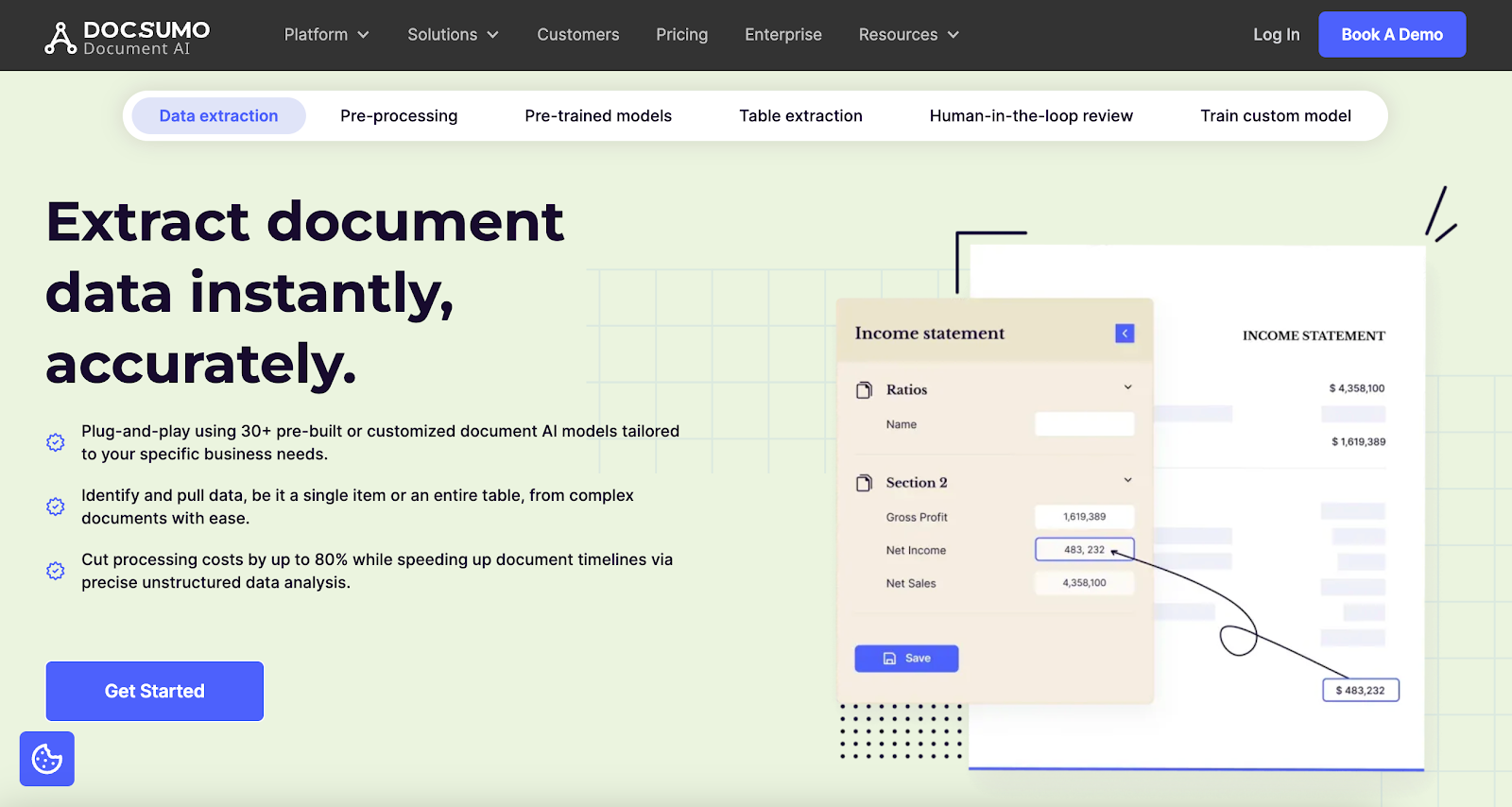
Docsumo gives teams a faster way to work through bank statements, invoices, balance sheet pages, and other financial reports without spending time on manual review.
The platform takes PDFs, scans, and images and turns them into structured fields your team can scan in seconds, which helps cut human error and keeps data accuracy steady across busy days.
Credit and ops teams pick Docsumo when they want simple finance automation for pulling data from financial documents and organizing every line into a clean table.
A typical workflow looks like uploading large volumes of statements, letting Docsumo detect tables, and then scanning the extracted fields before sending them into spreadsheets or dashboards based on your business needs.
It can also prepare results for ERP systems, so teams get valuable insights without switching tools.
Key Features
- Multiple document support – Reads bank statements, invoices, tax forms, and reports.
- OCR extraction – Captures text and numbers from scanned or low-quality files.
- Table detection – Organizes rows and columns into clear, structured formats.
- Export options – Send extracted data to Excel, CSV, or connected tools.
6. Klippa DocHorizon
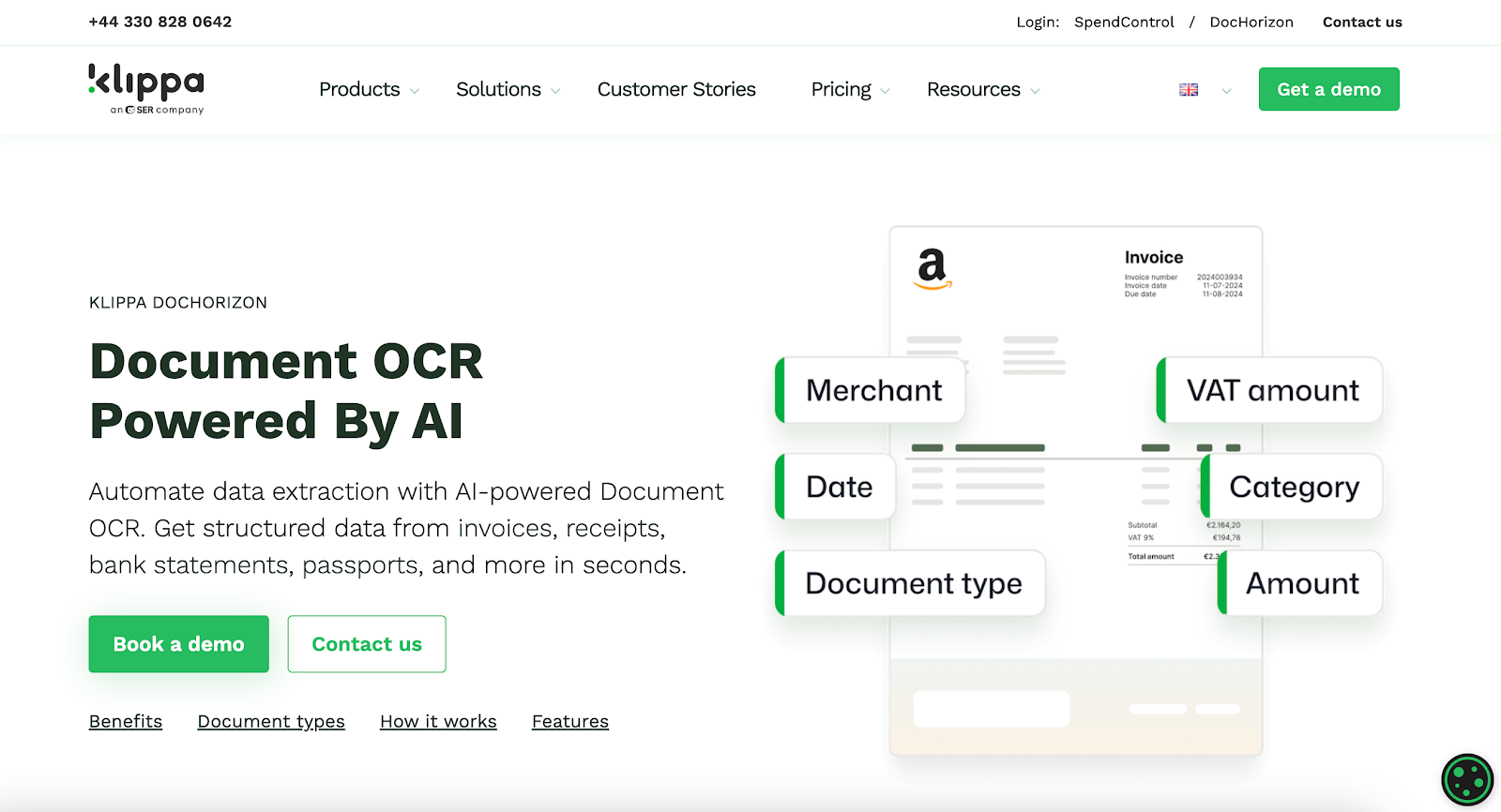
Klippa DocHorizon turns financial documents into structured data your team can read without losing valuable time on manual tasks. Underwriters upload PDFs, scans, or images, and Klippa pulls out the key numbers needed for daily financial processes.
It works well when ISOs send files in different formats or from external data sources. Klippa spots tables, separates rows and columns, and lays out each transaction so the extraction process feels steady instead of slow.
Reviewers check the cleaned-up fields and move them into their CRM or spreadsheets, which helps financial operations stay consistent and fast.
Key Features
- Document upload – Works with PDFs, scanned pages, and image files.
- OCR extraction – Reads text and numbers from many financial documents.
- Table detection – Organizes transactions into clear rows and columns.
- Export options – Send extracted data to Excel, CSV, or connected tools.
How Financial Data Extraction Fits Into Your Daily Work
Financial data extraction shows up in small moments throughout your day. You open a bank statement, and instead of reading it line by line, the totals, NSF, and cash-flow signals already sit in clear data fields.
The work feels lighter, and your resource allocation improves since manual extraction is minimized every time a new file arrives.
Submission Review
When an ISO sends a package with bank statements, tax returns, or an application, the software reads everything at once. You don’t zoom in on blurry scans or flip through pages.
Key numbers appear immediately, which helps your team process more submissions during peak periods.
This cuts the time your team spends on manual data extraction and eliminates the slowdowns that occur from switching between files all day.
Underwriting and Credit Checks
Underwriters lose the most time on small, repetitive tasks. Opening a statement, checking deposits, spotting NSFs, and scanning for cash-flow issues all take minutes you don’t really have.
Extraction software handles those steps the moment the file lands. It pulls revenue, balances, and other financial information your team needs for faster financial decisions.
This keeps your underwriting flow steady and supports tools that help you assess risk while staying mindful of regulatory requirements.
Fraud and File Quality Checks
Risk often hides in missing months, repeated pages, or unusual activity.
Extraction tools flag these issues early so you don’t miss fraudulent documents during a fast review. It’s easier to stay confident in each file when you aren’t relying on quick manual scans to catch problems.
KYB and Business Checks
Some teams also connect extraction with simple business checks. The system can surface details that support KYB business verification or basic online presence signals.
You get a cleaner context without switching between websites or running separate searches.
Internal Systems
Once the fields are ready, the data is transferred directly into your CRM, eliminating the need for copy-pasting. Your team doesn’t copy and paste balances or business details. Everything appears in the right place, ready for the next step.
Clean, structured data keeps your financial CRM up to date and saves time across the entire operation.
Move Faster With Financial Data You Can Trust
Manual review slows everything down. When your team spends hours opening PDFs, typing numbers, and correcting minor errors, which can potentially lead to delays, it becomes increasingly difficult to keep up with the daily volume.
Work piles up, deals wait, and underwriters lose time they should be using on real credit decisions.
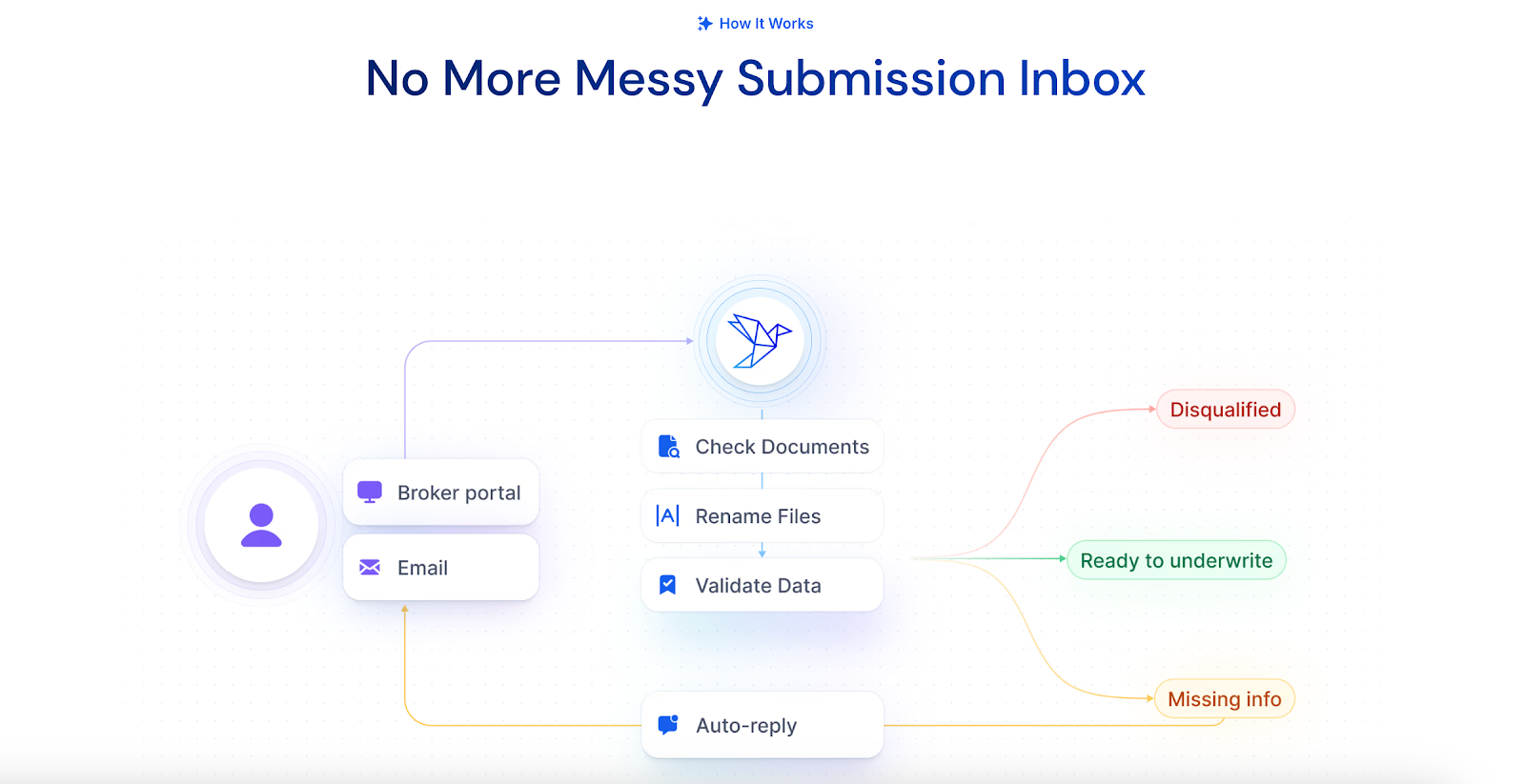
Heron takes that weight off your team. It reads full packages the moment they arrive, pulls clean fields with accurate data extraction, checks file quality, and sends everything straight into your CRM or LOS.
What used to take 15–30 minutes per file now becomes a huge time-saver, which also helps lower labor costs during high-volume periods.
Heron keeps your workflow steady, reduces errors, and gives your team more room to focus on the deals that matter.
FAQs About Financial Data Extraction Software
What software is used for data extraction?
Teams use tools like Heron, DocuClipper, or Nanonets to extract data from bank statements, tax returns, and other financial documents. However, the best choice depends on the following factors: volume, file types, and how fast your team needs results. Heron is often used by funders who want extraction, scrubbing, and checks in one workflow.
How to extract financial data?
You can extract financial data by uploading a PDF, scan, or image into a tool that converts documents into clean, structured fields. Most platforms read deposits, balances, or transaction details and prepare them for review or reporting. Many tools offer training resources to help teams get started quickly. If you want a comprehensive guide, look for software that clearly explains its steps.
Is there a GPT for finance?
Yes. Some teams use AI tools that read documents and summarize patterns from financial data. These tools can help spot trends, improve accuracy rates, or support basic key performance indicators your team tracks. They are not replacements for full extraction platforms but can work alongside them.
What software is needed for financial records?
Most teams use extraction software plus a CRM, LOS, or accounting system to keep data organized. Look for tools that fit your workflow and offer clear user feedback, predictable total cost, and simple export options. Some platforms also provide a free plan for light workloads or testing before scaling.