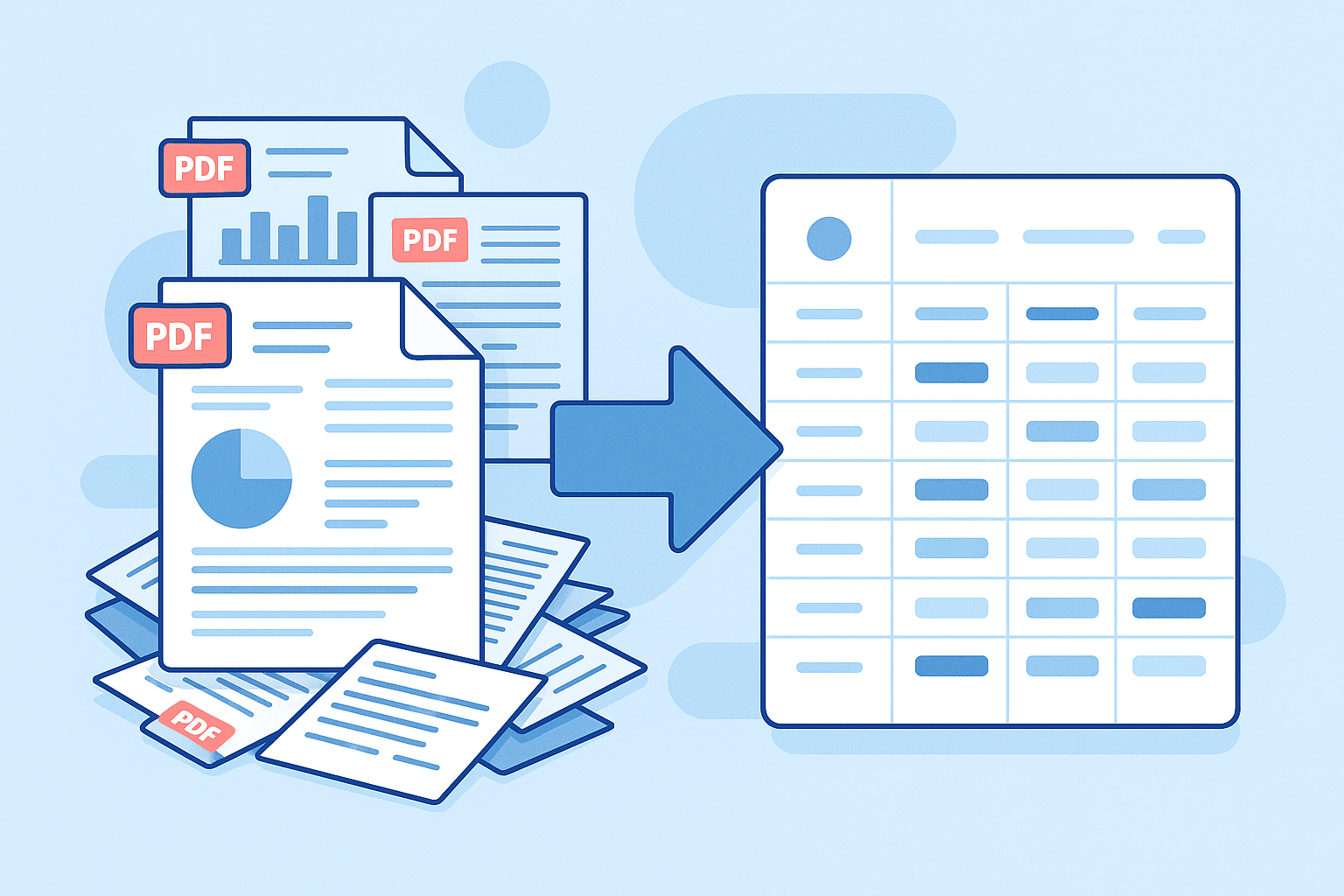
Ever feel stuck when your day starts with scattered files, messy submissions, and a long list of PDFs waiting for you to open?
You try to move fast, but the constant back-and-forth slows everything down. The workload grows, the inbox piles up, and you lose time on tasks that should take minutes.
Teams deal with this every day: too many documents to read, too much manual review, and too much stress around staying on top of everything.
File analyzer tools help clear that pressure. They turn mixed-up documents into clean, structured information you can work with right away. No more digging through pages or typing numbers into your system.
If you want a simple way to move through files faster and stay ahead of your workload, you’re in the right place. Here are the best file analyzer tools to help teams move faster and cut down on the daily manual work.
What Is a File Analyzer?
A file analyzer reads documents, pulls out the important details, and gives you clean data you can use right away.
It cuts the clutter out of PDFs, forms, bank statements, ACORDs, and financial records. You stop jumping between pages and finally get organized information without losing minutes to manual work.
Need a clear view before you move a submission forward? A file analyzer makes that easy.
You handle different file types every day, and some come with issues like file size limits, missing fields, or stored data that takes too much space. A tool that can read files in seconds helps you stay ahead.
Here’s what a simple file analyzer can do:
- Read text from PDFs and forms
- Detects gaps or bad files when submitting it
- Give fast results you can search, select, and use
- Keep a large number of files processed without slowing your team down
File analyzer tools help teams review files quickly, reduce mistakes, and understand information at a glance.
Top 5 File Analyzer Tools
Here are the file analyzer tools many teams recommend if you want to move through documents quickly and keep your workflow clean.
1. Heron
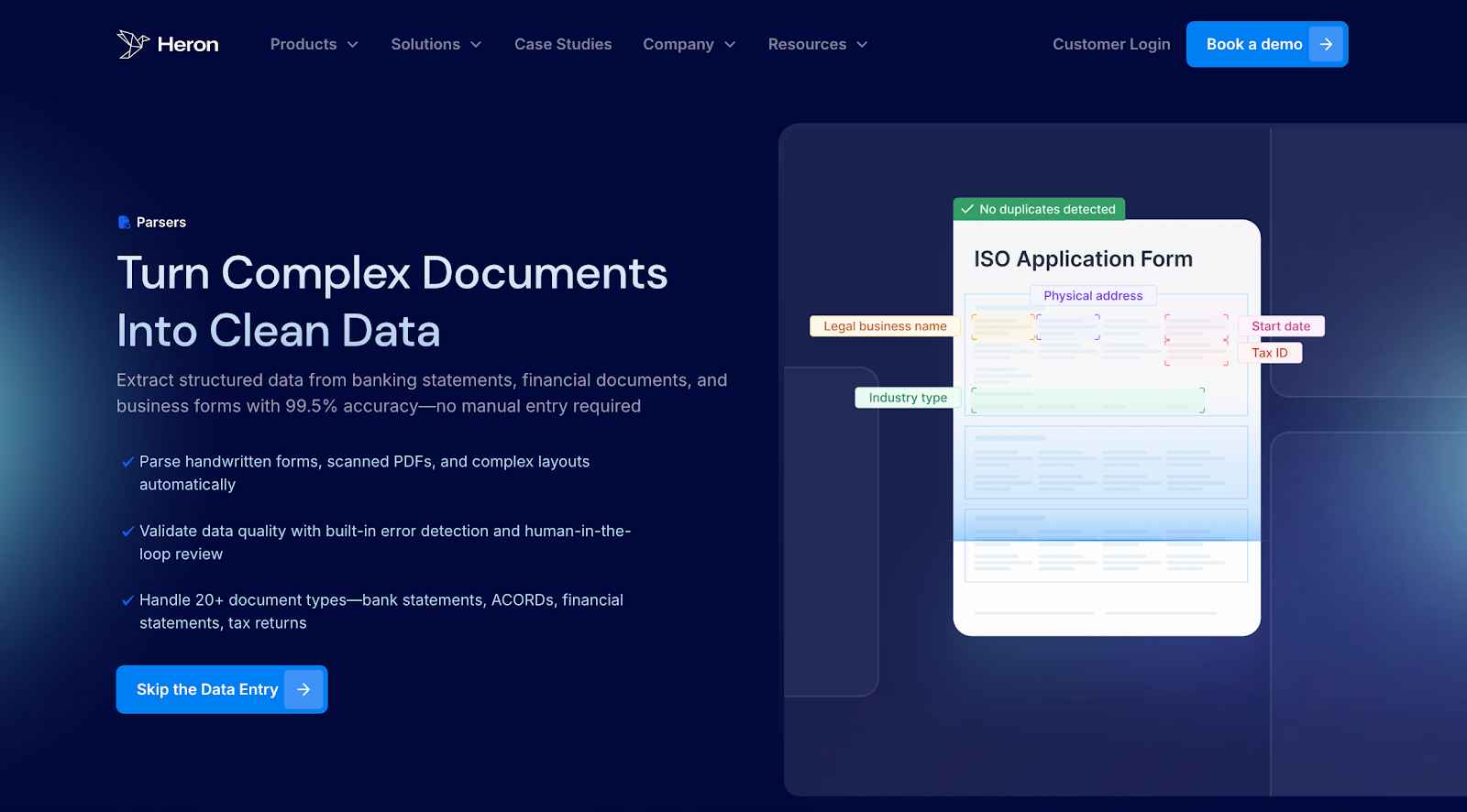
Heron helps MCA funders, brokers, MGAs, and equipment finance teams move through submissions without hours of manual review. You forward your inbox, Heron uses intelligent document processing to scrub every file, and your CRM fills with clean fields a few seconds later.
As a file analyzer, Heron reads business bank statements, ACORDs, tax returns, financials, ISO forms, and more, then converts everything into structured data that matches the way your team already reviews deals. There’s no new system to learn and no extra steps added to your day.
Most teams cut review time from 15 minutes per file to just seconds and free multiple people from typing, sorting, and checking documents by hand.
Key features
- Multi-document scrubbing – Turns 50+ document types into clean fields your team can use right away.
- Bank statement and financial scrubbing – Breaks down deposits, positions, and cash-flow patterns in seconds so underwriters don’t read statements by hand.
- Missing data flags – Spots gaps, bad files, and incomplete submissions before they reach your team.
- Fraud and quality checks – Provides strong document fraud detection by spotting altered bank statements, risky edits, and unusual document changes early.
- Direct system sync – Sends scrubbed data into your financial CRM or other systems without manual uploads.
- High-volume support – Keeps pace with hundreds of daily submissions so your team doesn’t slow down.
- Secure setup – Runs on SOC 2–compliant systems and follows security practices trusted by funders, brokers, MGAs, and other financial organizations.
If you search for a file analyzer that fits real lending and insurance work, Heron stays close to how your team already operates and takes the busywork off their plate.
2. Hyperscience
Hyperscience is used by financial institutions and operations teams that handle large volumes of structured and unstructured documents during the application stage. It reads PDFs, scanned files, and forms, then turns them into structured data that teams can pass into downstream systems.
Some lending and underwriting teams use Hyperscience as a back-end file analyzer when submissions come in many formats and need to be standardized before review. It works well for organizations with established document workflows and internal processing teams.
Hyperscience focuses on high-volume file handling rather than day-to-day intake work. Teams often use it alongside other tools to support business loan review and underwriting workflows.
Key features
- Reads structured and unstructured business documents at scale
- Pulls key details from PDFs and scanned files
- Supports financial services and regulated environments
- Converts files into structured data for internal systems
- Built for teams handling high submission volume
3. Extend
Extend helps teams read and sort mixed documents when files come in different formats. It picks up key details from PDFs and scanned pages and turns them into a cleaner view, which helps anyone searching for a file analyzer that works across general business documents.
Some teams use Extend to manage large batches of submissions. It can group files by type, tag them, and keep everything organized so you don’t have to open each document one by one.
Extend also gives teams simple search and filtering tools that help you find the document example you need and share it without digging through folders or long email threads.
Key features
- Reads and structures data from PDFs and scanned files
- Classifies documents into simple categories
- Search and filtering for quick review
- Tags and organizes mixed submissions
- Supports general business document workflows
4. Cytora
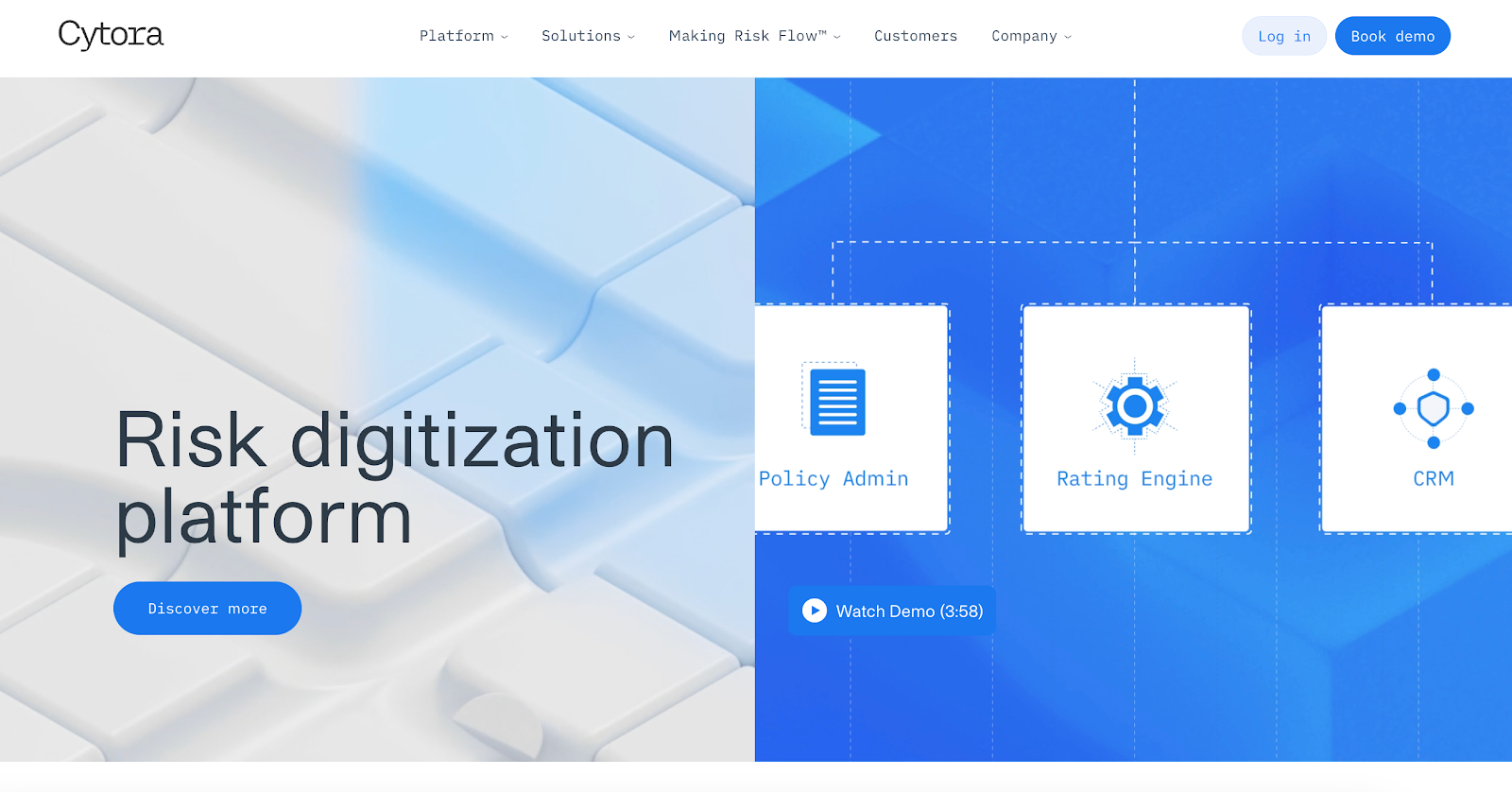
Cytora is used by commercial insurance teams that need a faster way to review submission files. It reads ACORDs, loss runs, and other insurance documents, then turns them into clean, easy-to-scan details underwriters can review without jumping through every page.
Teams use Cytora to sort documents, group them by type, and spot missing information right away. It helps speed up early review and keeps files organized before deeper underwriting begins.
Cytora focuses on insurance workflows, making it useful for anyone looking for a file analyzer built around common insurance document types.
Key features
- Reads and digitizes ACORDs, loss runs, and other insurance files
- Classifies and organizes documents into clear groups
- Flags missing or incomplete items
- Supports simple submission and underwriting workflows
- Uses AI-powered checks with human validation for accuracy
5. Federato
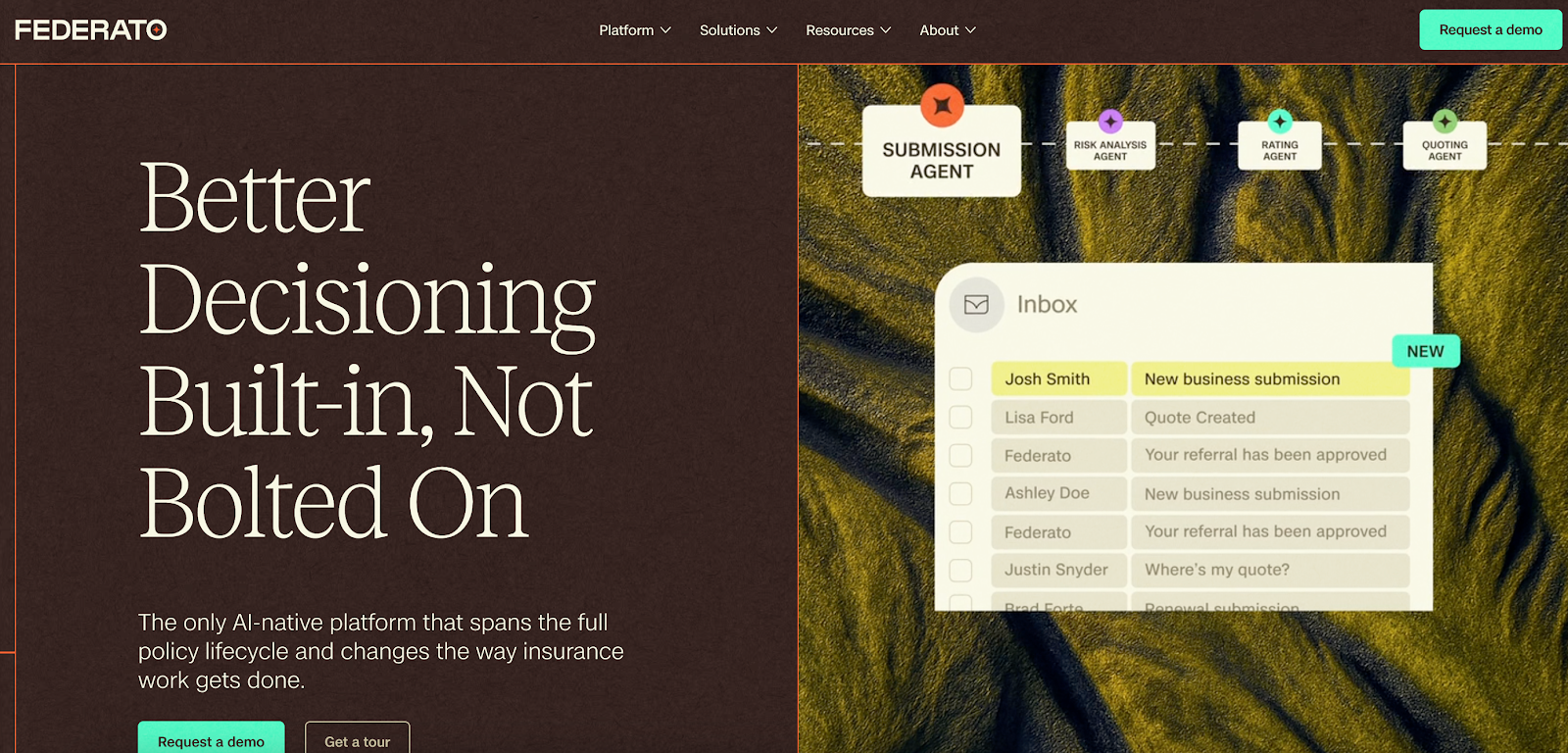
Federato helps commercial insurance teams review submission files without slowing down their workflow. It reads ACORDs, loss runs, and risk summaries, pulling out the important details so underwriters don’t have to dig through every page.
The platform groups files into clean views, highlights missing items, and keeps everything easy to click through in one place.
It’s useful for anyone who needs a file analyzer built around insurance documents. Federato keeps the review process simple, reduces back-and-forth between systems, and makes it easier to stay organized as more submissions come in.
Key features
- Reads ACORDs, loss runs, and insurance submission files
- Organizes documents into clear, easy-to-scan views
- Flags missing or incomplete information
- Supports underwriting review and routing
- Helps underwriters move through submissions with less manual work
When You Should Start Using a File Analyzer
When files start slowing down your workflow, a file analyzer helps you stay ahead. Here are the signs it’s time to use one:
When Hidden Threats Start Slipping Through
Documents don’t always arrive clean. Some have missing pages, numbers that don’t add up, or signs of edits that could compromise your review.
A file analyzer helps your team catch these hidden threats before they slow down underwriting or push a deal in the wrong direction. You get a clear view of what’s real, what’s incomplete, and what needs attention, all without digging through every page.
When Your Analysis Results Become Hard to Trust
Manual review makes it easy to miss details when submissions pile up. A file analyzer gives you fast analysis results you can trust, with clear fields, readable text, and organized information your team can access in seconds.
This keeps everyone aligned and cuts the back-and-forth that usually eats up time. It also makes it easier to answer questions from partners because everything you need is right in front of you.
When Online File Review Becomes Too Slow
Online file review gets stressful when you’re opening one PDF after another and trying to track details across multiple tabs. That’s the point where a file analyzer becomes useful.
A file analyzer takes those online file uploads and turns them into clear fields your team can read without scrolling. You drop the document in, click a button, and get the important details in seconds instead of reviewing page by page.
When High Volume Starts Hurting Your Team’s Experience
When submissions hit your inbox all day, the workload grows fast. A file analyzer gives teams a more powerful way to stay on track.
You get cleaner fields, fewer errors, and a smoother experience because you choose a tool that removes extra steps instead of adding them.
Move Through Reviews in Seconds With Heron
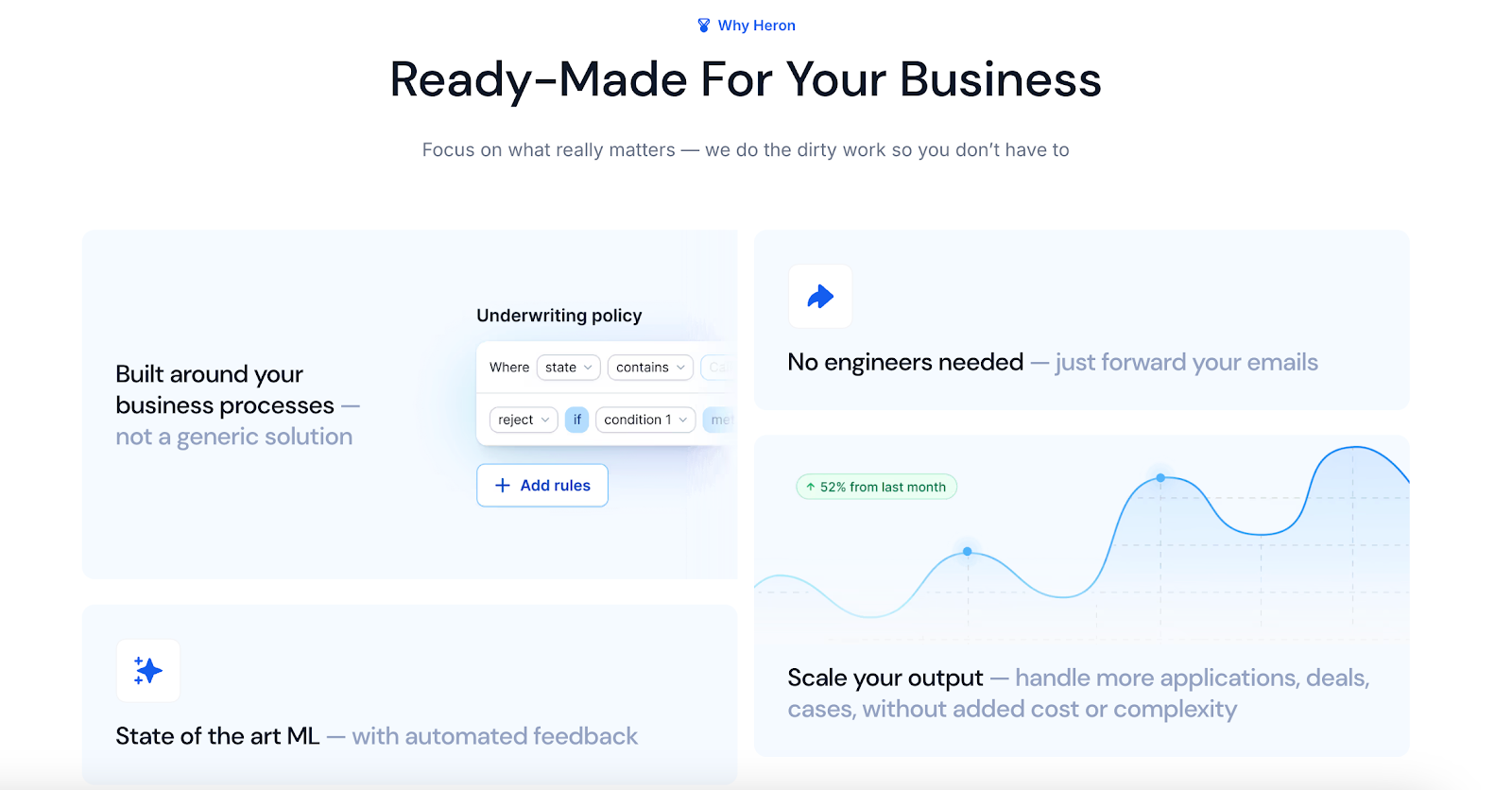
Most teams lose hours each day opening PDFs, checking numbers, and sorting mixed documents by hand. When submissions stack up, even a small delay can slow decisions and push deals to faster competitors.
A file analyzer is meant to remove that pressure, and Heron is built to do that for high-volume funders, brokers, and MGAs.
Heron reads bank statements, ACORDs, tax returns, financials, ISO forms, and more, then turns every file into clean, structured data in seconds because it’s designed to handle messy documents automatically.
It flags missing items, detects risky edits, and sorts more than 50 document types without adding steps to your workflow. Everything your team needs appears in one clean view, ready to move into your CRM or underwriting system with no typing or prep work.
Heron already processes over 100,000 documents a day for funders, brokers, MGAs, and equipment finance teams. Many cut manual review by 90% and handle far more volume without hiring.
FAQs About File Analyzer
What types of files can a file analyzer read?
A file analyzer can read PDFs, bank statements, ACORD forms, tax returns, financial documents, and other common submission files. It pulls out key details so teams can review information faster without opening each page.
Who uses file analyzer tools?
File analyzer tools are used by MCA funders, brokers, MGAs, underwriters, credit teams, and operations teams that work with high volumes of documents daily.
How does a file analyzer help you analyze files faster?
A file analyzer speeds up review by extracting important fields automatically, organizing documents into clean views, and highlighting items that need attention. This gives teams quick access to decision-ready data without reading each file manually.