
Ever feel like your team is stuck sorting files and rekeying data while deals sit in a queue? Many funders face the same slowdown.
Turnaround delays grow, and your underwriters often spend precious time manually reviewing bank statements and doing data entry rather than closing deals. It adds pressure, slows your pipeline, and makes it hard to keep up with daily volume.
Bank statement extraction software can help free your team from these manual, time-consuming tasks.
Let's look at 7 of the best bank statement extraction software you can check out today!
What Is Bank Statement Extraction Software?
Bank statement extraction software is a tool used in bank statement processing that helps you pull clean data from financial documents without doing the work by hand.
It is used for extracting financial data from bank statements, usually in PDF or scanned formats. You upload files in different document formats, even scanned documents that are hard to read on your own.
The software reads each page and turns the content into clear fields. It picks up account balances, transaction details, and other items that matter in your review.
Many tools also read receipts and invoices that a business sends with an application. This gives you a full view of the money coming in and out.
Most document automation systems use artificial intelligence to read the text. This helps the tool understand numbers and labels even when the file quality is not perfect. The software then turns everything into a simple data file that fits into your workflow.
How Bank Statement Data Extraction Works
Bank statement extraction tools help you check statements from business bank accounts with less work. Let's look at how they usually work:
- Document upload - You place the files into the tool, and it accepts many data formats, so you can work with what a business gives you.
- OCR processing - The system reads each page and starts the automated data extraction by turning text into clear digital values.
- Data segmentation - The tool splits the content into sections so that financial tables, summaries, and other parts are easy to read.
- AI and machine learning algorithms - The software studies the layout and context, so it avoids pulling the wrong lines and supports a clean financial review.
- Extraction of key data - The tool collects dates, amounts, descriptions, and balances so you can check bank accounts without long manual work.
- Data normalization and export - The system cleans the numbers and prepares simple data files. Many funders pick the CSV format when they want to export data into their own tools.
- Verification and refinement - Some platforms check the results for mistakes, so you have more confidence in each financial file you review.
Top 7 Bank Statement Extraction Software
Finding the right software can feel overwhelming when every tool claims to save you time. We offer you this curated list of the top bank statement extraction software to help you.
1. Heron
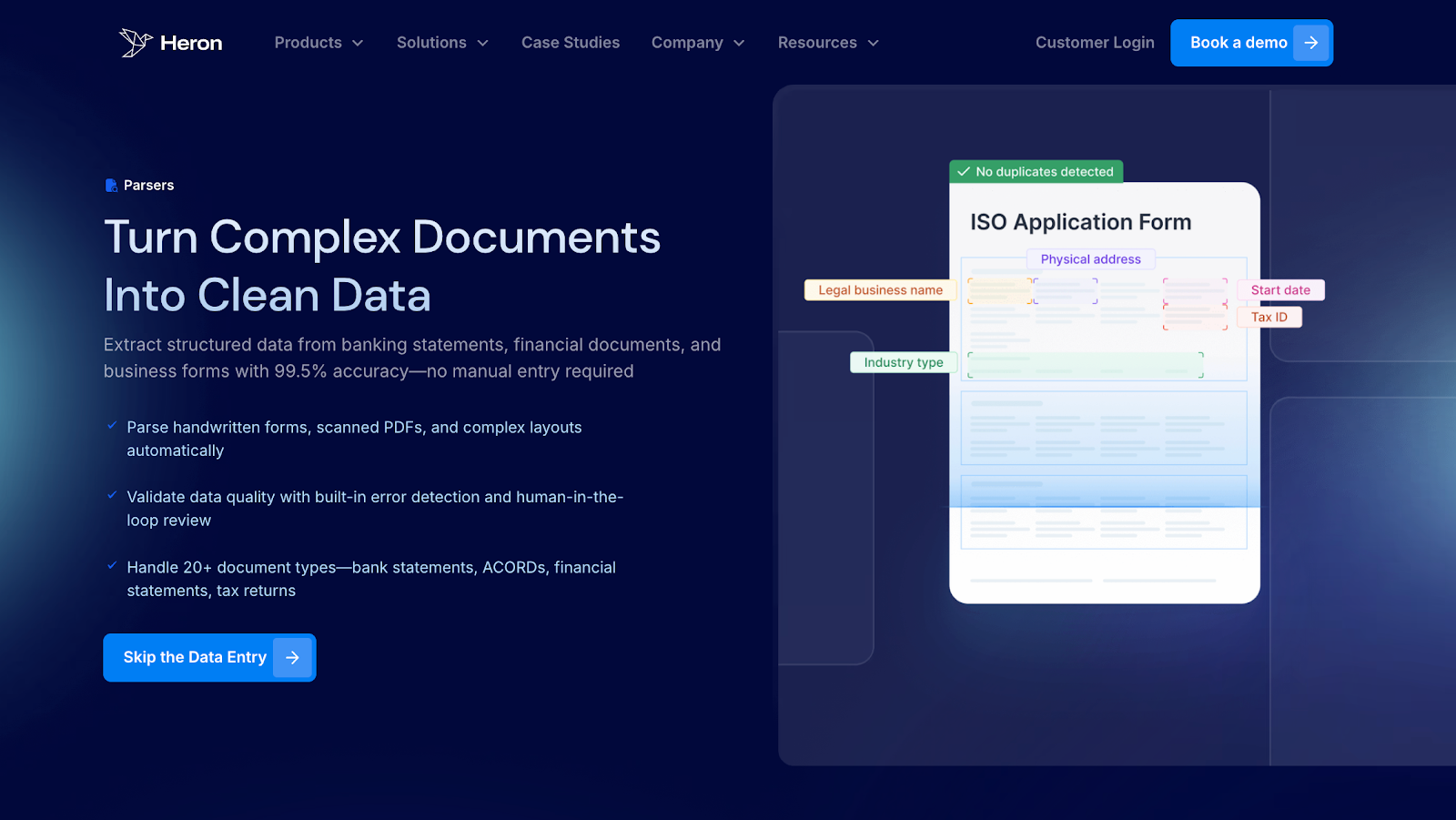
Heron helps funders turn messy files into clear data in minutes. You upload the PDF bank statements, and the system handles the rest. It reads the text, checks the numbers, enriches data, and shows everything in a clean dashboard.
This removes slow manual work and gives your team fast insight for underwriting, fraud detection, and reporting.
Heron also excels in parsing bank statements, with a 99%+ accuracy rate. It pulls out balances, transactions, and revenue signals, then checks them against your pre-set rules. All under a minute.
Key Features
- Smart extraction - The system reads each page and turns the text into structured values that support faster reviews
- Data checks - Heron flags missing fields and incorrect values, so you avoid extra back and forth
- Data enrichment - The platform adds industry codes, vehicle data, licensing info, and financial fields so you see the full picture
- Fraud detection - Heron verifies bank statements and other files to spot signs of fake or changed data
- Bank statement parsing - The system processes about 90% of bank statements with over 99% accuracy and pulls balances, transactions, NSF days, and revenue signals in under a minute
- Underwriting rule match - Heron checks revenue, balance, and NSF rules, and shows if the business meets your criteria
- Instant data sync - Clean structured data moves into your financial CRM or other systems without manual entry
- Decision-ready analytics - The dashboard shows DSCR, revenue signals, exposures, loss ratios, and other key numbers funders use
- Secure setup - The platform follows SOC2, GDPR, and CCA standards and is trusted by many financial and professional services businesses
2. Parsio
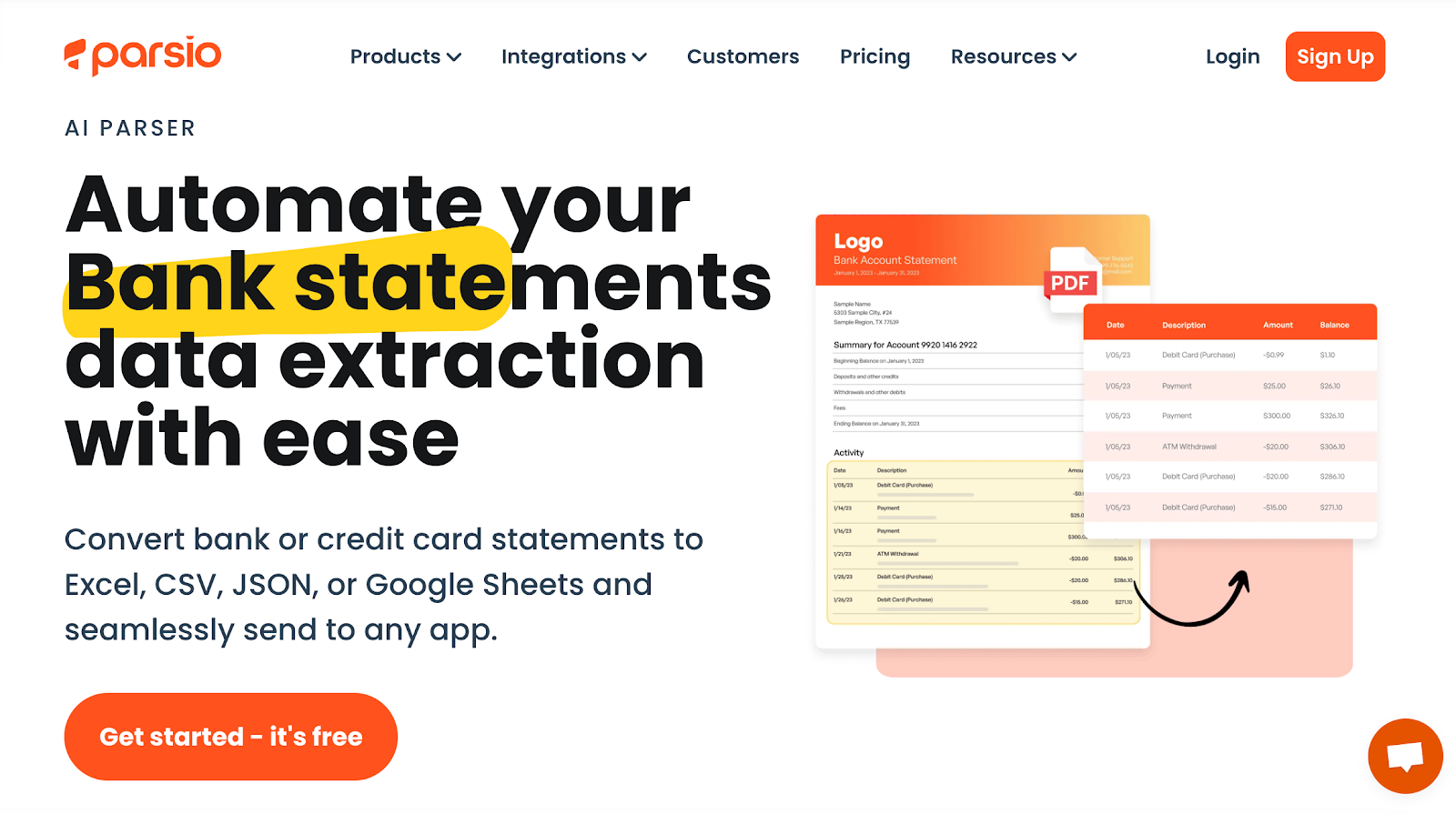
Parsio is a tool that turns bank and credit card statements into structured data. You can upload PDFs, scanned images, or email attachments, and the system extracts the information in a few seconds. It supports different layouts and can handle both printed and handwritten text.
The data can then move to Excel, CSV, JSON, Google Sheets, or other apps through direct integrations. This helps teams keep their records organized without manual entry.
Key Features
- Document upload - Users upload statements manually, through an API, or by forwarding email attachments
- Fast extraction - The system captures the data in about five seconds and prepares it for review
- OCR technology - The parser reads printed and handwritten text across many bank statement formats
- Data normalization - Custom rules can organize and structure the extracted data for cleaner records
- App integrations - Parsed data can move in real time to spreadsheets or connected applications
3. Unstract
Unstract is a tool that extracts structured data from bank statements and credit card statements. It works with many file types, including scanned pages, photos, and documents with complex layouts.
The system reads text, handles different formats, and prepares the data for use in JSON, databases, or ETL pipelines.
It also supports handwritten text and multi-column layouts, which helps teams process statements with fewer manual steps.
Key Features
- Flexible document input - Users upload bank statements or credit card statements in many formats, including scans and smartphone images
- Layout handling - The system reads multi-column pages, long tables, and documents that mix text, logos, and footers
- Format variability support - It works with different date, number, and currency formats and can read tables even when headers or footers change
- Prompt-based extraction - Users write simple prompts to define what data they want and then deploy the project as an API
- ETL automation - The tool can scan statements from sources like Google Drive or S3 and store structured output in databases or data warehouses
4. Sensible
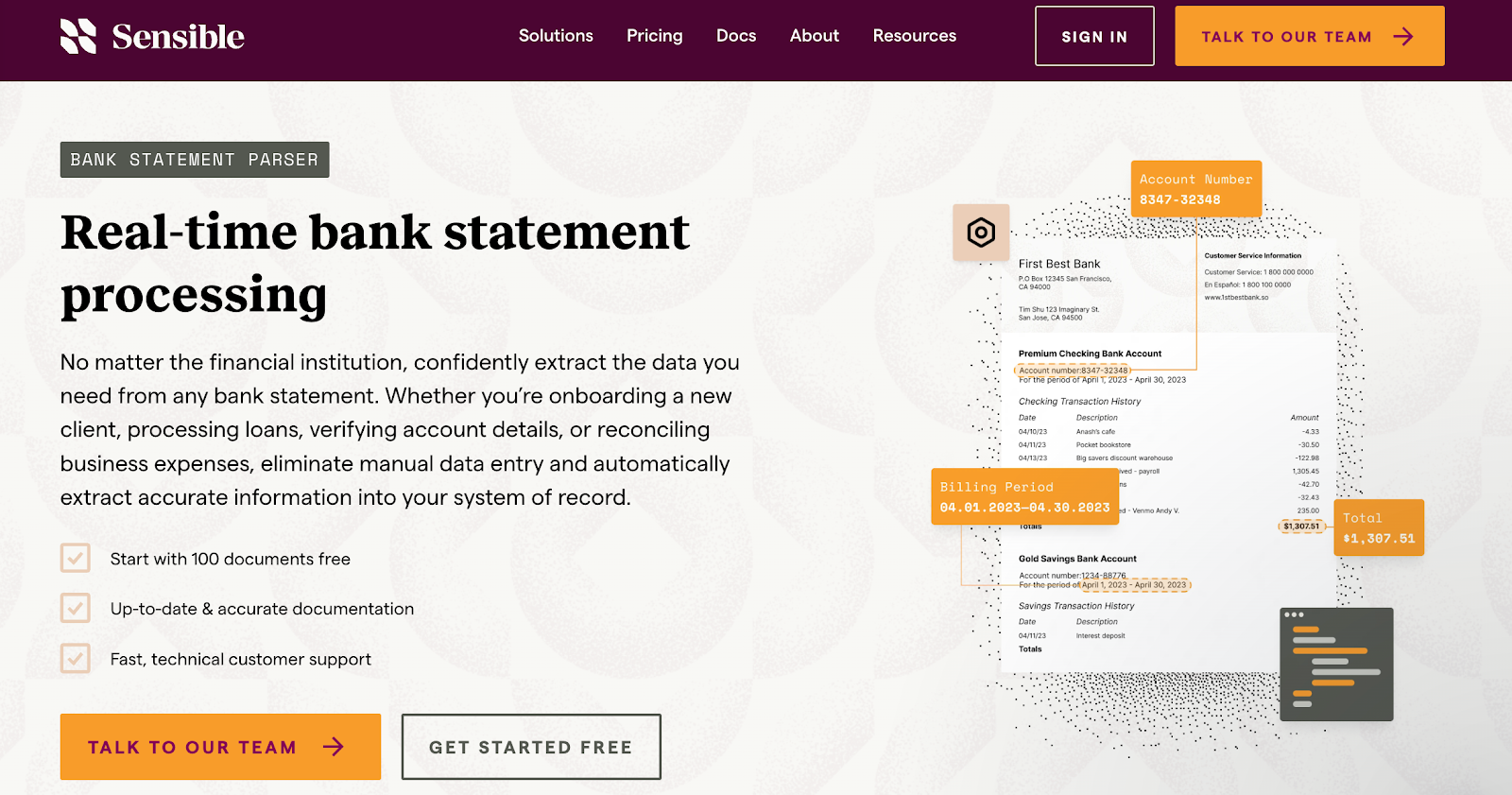
Sensible is a tool that extracts structured data from bank statements and credit card statements in real time. It works with documents from many financial institutions, even when layouts vary or include long tables, multi-page formats, or scanned images.
The system reads balances, transactions, and account details and prepares the information for use in onboarding, verification, compliance, lending reviews, and bookkeeping tasks. It supports workflows through an API that lets teams move extracted data into their own systems.
Key Features
- Real-time extraction - The system reads bank statements from many institutions and prepares structured data for quick use
- Layout handling - It supports multi-column pages, long tables, scanned files, and documents with mixed content
- Data coverage - The tool extracts transactions, deposits, withdrawals, balances, account info, and contact details
- API based workflows - Users call an API to send documents and receive structured data without manual entry
- Developer tools - The platform includes prompt-based extraction and options for layout-based control to fit different technical needs
5. Nanonets
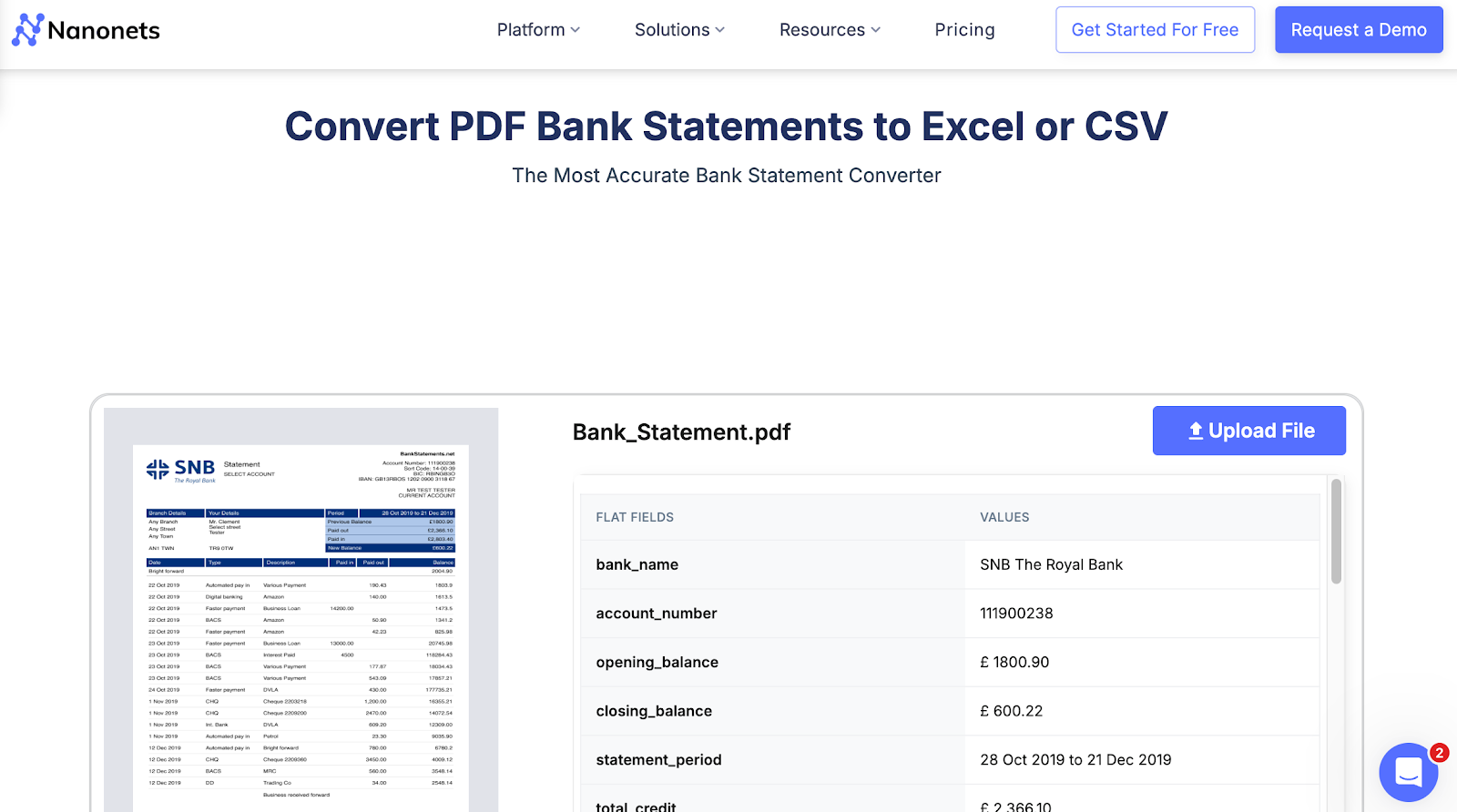
Nanonets converts PDF bank statements into structured files such as Excel or CSV. It reads tables, lines, and values from many types of statements, including scanned copies, and arranges the data into a clear layout.
Users upload a file, the system processes it, and the output is ready for download. It supports common banking fields like balances, dates, amounts, and descriptions, making it easier to move bank data into accounting or analysis workflows.
Key Features
- PDF upload - Users upload a PDF bank statement or drag it into the tool for processing
- Table recognition - The system reads rows and columns from the statement and groups them into a structured table
- Data conversion - Extracted values are converted into Excel or CSV so they can be used in other tools
- Field extraction - The tool captures key banking fields, including balances, dates, payment types, and transaction amounts
- Download output - Users download the converted file a few seconds after processing
6. DocuClipper
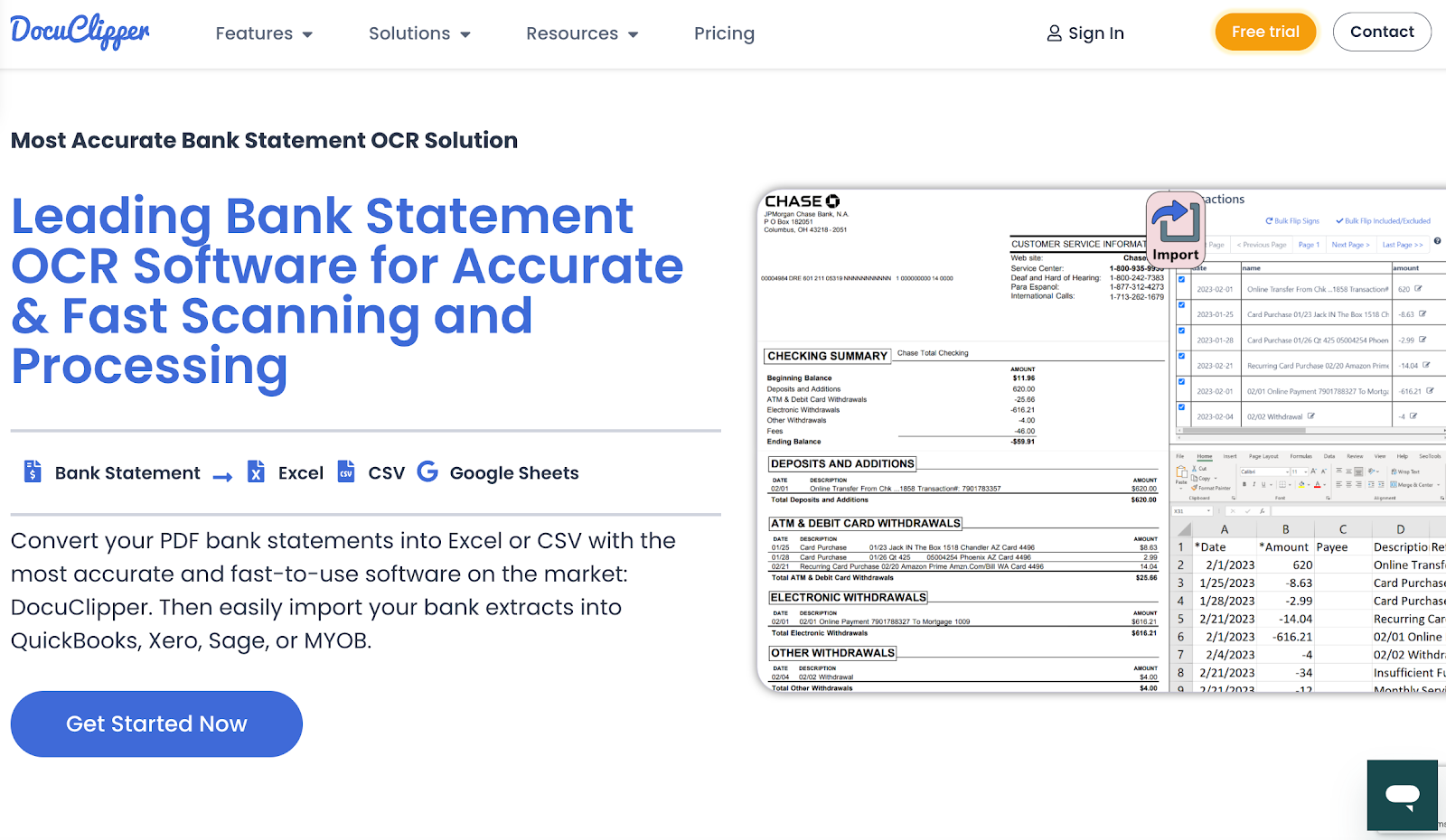
DocuClipper converts PDF bank statements into structured formats such as Excel and CSV. It reads tables, account fields, and transaction lines from many types of statements, including scanned copies.
Users upload a file, the system processes it, and the extracted data becomes available for download or further use in accounting tools. It also supports multi-account statements and can handle multiple files at once for larger workloads.
Key Features
- PDF upload - Users upload a bank statement from their device, and the system begins processing
- OCR extraction - The tool reads text and tables from scanned and digital statements to produce structured data
- Multi-account handling - The system detects and separates multiple accounts when they appear in one PDF
- Batch conversion - Users convert several statements at once to speed up larger workloads
- Custom output fields - Users select which fields to include, such as dates, descriptions, credits, debits, or balances
7. InferIQ
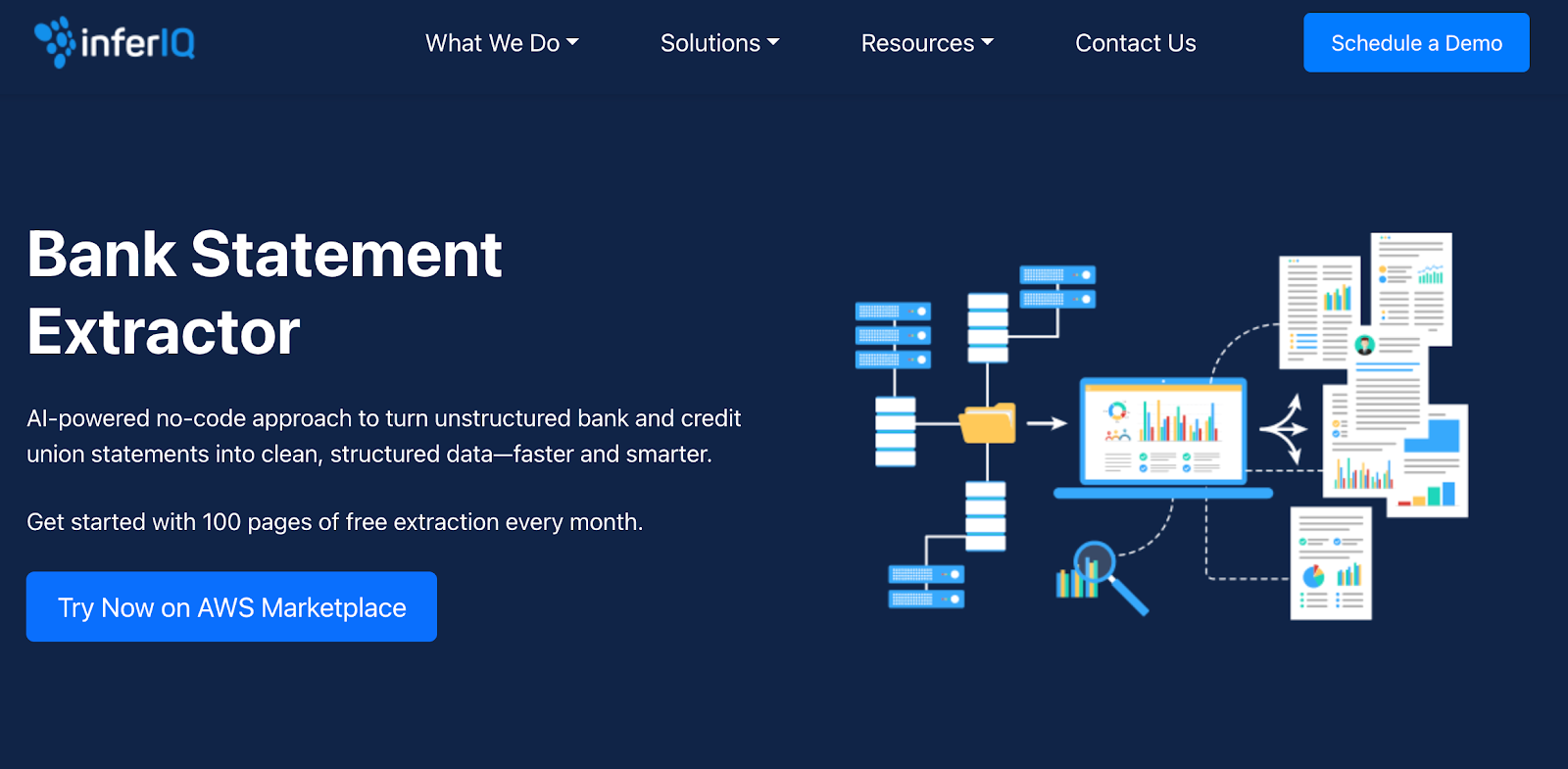
InferIQ converts unstructured bank and credit union statements into structured data. It supports PDFs, images, and scanned files, and prepares the extracted information in a clear table for analysis.
Users upload a file and receive organized data that includes dates, amounts, descriptions, balances, and account details. The tool is designed for credit analysts and back-office teams who need fast processing without manual entry.
Key Features
- File upload - Users upload PDFs or images, and the system prepares the data for extraction
- OCR extraction - The tool reads transactions, balances, and account fields from scanned, digital, or low-quality statements
- Human in the loop - Users draw boxes around missed items to capture any remaining data
- Universal coverage - The system supports statements from any U.S. bank or credit union
- Structured output - Extracted data appears in a clean table with clear labels for deposits, withdrawals, and balances
Benefits of Bank Statement Extraction Software
Bank statement software requires quite an investment, both in money and in time. However, the benefits it offers your team are too big to miss out. Let's talk about these benefits in detail:
Faster Processing
The software reads each bank file and pulls out important data points in a few seconds. You no longer need to scroll through long PDFs or zoom in on blurry pages.
Automated bank statement extraction picks up transaction dates, running balances, and notes line by line. If you handle many requests in a single day, this speed gives you room to keep deals moving without feeling backed up.
It also helps when a business sends several months of statements at once because the tool can process them all in one pass.
Better Accuracy
Manual data entry often leads to slips like skipped rows, wrong digits, or misplaced decimals. These mistakes can change the full picture of a business.
Automated extraction reduces those issues because the tool reads each field with the same method every time. It also spots repeated lines or unclear text so you can check them before they cause confusion.
This gives you cleaner values when you study cash flow, gap days, income drops, or sudden changes in spending.
Lower Costs
A faster and cleaner process lowers your review costs. When your team spends less time typing and fixing mistakes, you need fewer hours for routine checks.
Many financial institutions use this approach because it trims the extra labor tied to statement reviews. You also avoid the cost of delays, since slow data checks often slow down the entire file.
Higher Productivity
Using bank statement software, your team gains more time for a deeper review instead of collecting numbers. They can compare spending over several months, study deposit patterns, and look for gaps that may signal stress.
The tool also helps you support fraud detection by making out-of-pattern activity easier to notice.
For example, a sudden rise in round-number deposits or frequent overdraft fees becomes more visible when the data is organized and easy to scan.
Flexible Formats
Businesses rarely send files in one clean form. Some statements arrive as PDFs, others as scanned documents, and sometimes even as phone photos.
The bank statement extraction software reads all of them and converts the content into your preferred format.
This helps you avoid asking applicants to resend files and makes it easier to bring the data into other software your team already uses.
Better Control And Compliance
Clean output helps you stay ready for audits. Each number sits in a clear field, which makes it easy to trace where it came from.
If someone from your team or an outside group asks you to explain a figure, you can find it without searching through pages.
This stronger record-keeping helps you show that your review process is consistent and well-organized.
Easy To Scale
Bank statement extraction software helps you handle growth without adding pressure to your team. When more applications come in, the system processes each statement at the same steady pace.
You can upload 10 files or a few hundred and get clean results without long wait times. This matters when you fund businesses that send multiple months of statements or when your pipeline spikes during busy periods.
Scalability also helps you plan ahead. You can take on large volumes of submissions, handle bigger portfolios, and grow your operations without hiring extra staff just to keep up with statement reviews.
Better Control And Compliance
Bank statement extraction software gives you clean, organized output that makes audits much easier.
The tool can accurately extract each value, which cuts the risk of human error that often appears when you pull numbers by hand. Every figure sits in a clear field, so you can trace where it came from without digging through long PDFs.
When someone on your team or an outside group asks about a specific amount, you can find it right away. Clear data also supports stronger financial decisions because you can see the full picture without guessing or piecing details together.
Automate Bank Statement Reviews in Seconds with Heron
Many funders lose time because their teams still read long PDFs by hand. When you process 30 or more submissions a day, even a short delay can push a deal to a faster competitor.
Bank statement review alone can take 15 minutes per file, and that does not include tax forms or other financial documents that pile up in the inbox.
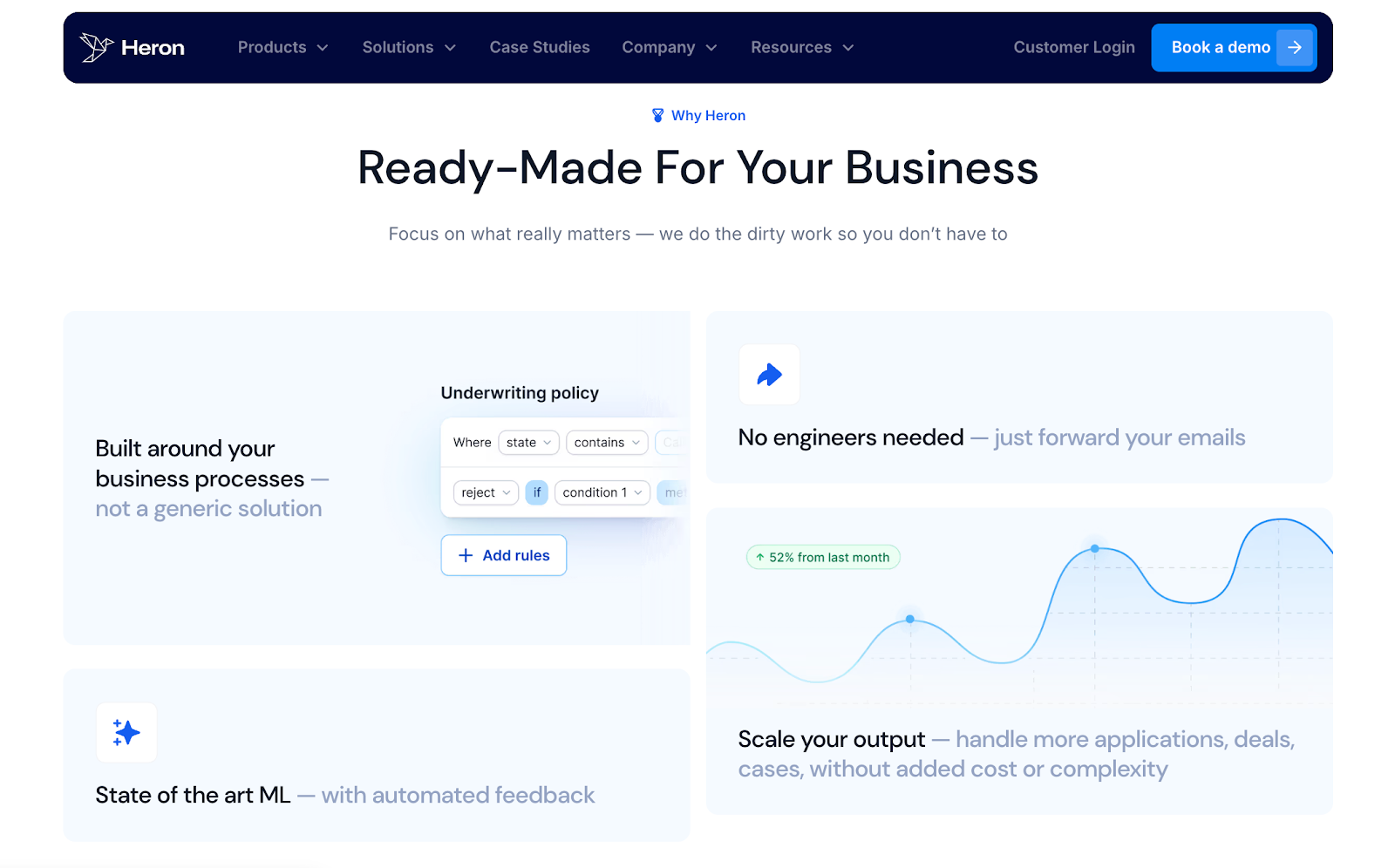
Heron fixes this by pulling clean data from every package in seconds. The system reads bank statements, scrubs transaction details, and sorts 50+ document types without slowing your team down.
It also picks up items from documents and organizes them so you can move everything into your CRM, accounting software, ERP systems, or other financial systems with no prep work.
You get structured data ready for review through a user-friendly interface that your team can use right away.
Heron already parses more than 100,000 documents every day for over 130 firms. Many funders cut processing costs by more than 75% and handle 2x the volume without hiring more staff.
FAQs About Bank Statement Extraction Software
How to extract data from a bank statement?
You can extract data from a bank statement by opening the file, copying the parts you need, and pasting them into a spreadsheet. Many people also use tools that support financial data extraction to make the process faster.
Can ChatGPT convert bank statements to Excel?
Yes, ChatGPT can help turn a bank statement into an Excel file if you upload the document. It can read the text, structure the numbers, and give you a file you can download. Once done, you can move the sheet to Google Sheets or your chosen CRM if you prefer working online.
Can ChatGPT analyze a bank statement?
Yes, ChatGPT can give you a clear summary of your spending once you share the statement. It can point out patterns, changes in monthly costs, and any items that seem out of place. You can also send the results to other systems if you want to track your budget further.
How to extract bank statements into Excel?
You can open your bank statement, copy the details, and paste them into an Excel sheet. Make sure to adjust the columns so the dates, notes, and amounts line up. If the file is a PDF, you can use a converter to pull the numbers into rows that you can edit.
Automate Bank Statement Reviews in Seconds with Heron