
Ever open a deal file and feel stuck before you even start?
You scroll through pages of bank statements, try to make sense of numbers spread across different formats, and lose time that should go toward real decisions. It’s the kind of work that slows your day even when the volume stays steady.
Most MCA funders, brokers, and insurance teams around the world know this feeling.
Bank statement reviews take time, and the process grows harder when files arrive in mixed shapes, sizes, and conditions. Every extra minute spent hunting for deposits or returns pushes other deals down the line.
A bank statement reader gives your team a simple way to move through this work without the daily drag. It pulls out the numbers you check most, organizes them in a clean layout, and helps you stay focused on the deal.
In the sections below, we’ll walk through what this tool does, how teams use it, and why it helps you move through your reviews with more clarity and less stress.
TL;DR
- A bank statement reader pulls deposits, balances, NSFs, expenses, and cash-flow patterns out of PDFs so you don’t scan pages by hand.
- It speeds up intake, underwriting, and broker submissions by catching missing months, spotting unusual activity, and laying out clean fields your team can review fast.
- Teams use it to cut manual typing, reduce errors, package stronger submissions, and keep reviews steady even when volume spikes.
- If you want clean numbers the moment a file arrives, Heron scrubs bank statements, detects fraud, flags gaps, and syncs fields straight into your CRM.
What Is a Bank Statement Reader?
A bank statement reader uses advanced technology to transform messy financial documents like bank statements and tax forms into clean, usable data.
It pulls transaction details, deposits, balances, and other fields out of PDFs and images, so your team doesn’t waste time trying to extract data by hand or fixing time-consuming data entry.
This supports daily lending work, early checks, and steady bank statement processing.
A good bank statement reader gives clear fields for your team to check in every file, including:
- Monthly deposits
- Average daily balance
- Ending balances
- Withdrawals and expenses
- NSFs and returns
- Large or unusual transactions
- Cash flow patterns across accounts
These fields help with quick reviews, simple reporting, and other financial processes tied to cash flow statements and financial statements. You get clearer numbers, fewer mistakes, and more reliable financial data that helps you serve your customers better.
Core Tasks a Bank Statement Reader Handles for Review Teams
A bank statement reader clears the busywork from your day by breaking each file down into clean, organized fields.
It reads every page, pulls the numbers your team checks most, and helps you categorize the information without digging through lines of text.
It catches missing pages or missing months right away, so nothing slips through early review. This helps teams streamline the steps that tend to create delays later.
The tool also tracks changes in income, spending activity, and other shifts that shape the story of the account. You can acknowledge patterns fast because the data sits in one place instead of scattered across pages.
When the fields are ready, you can export them to Excel, import them into your current platform, or connect them to simple tools your team already uses.
This removes manual typing, reduces small errors that affect pay decisions, and keeps bank statement data extraction steady from file to file.
Real Use Cases in Lending, Underwriting, and Broker Workflows
Different teams rely on bank statements at different points in the process.
Intake teams use a reader the moment a file arrives, so they can see what’s included, what’s missing, and which statements need attention before the file moves forward.
Underwriters use it when they begin deeper checks. They look at cash flow activity, daily balances, and patterns that guide early insights and decisions.
A bank statement reader lets your team quickly access the numbers they need without jumping across pages or switching between multiple files.
Brokers use it when they prepare submissions for funders. Clean fields help them package files that match lending expectations and reduce the extra back-and-forth that slows everything down.
Ops teams rely on it during busy days when volume spikes and every minute counts.
Business Benefits for High-Volume Review Teams
A strong bank statement reader gives your team the clarity they need to move faster and the ability to focus on deals instead of documents.
Clean fields show up right away in an accessible layout that helps enable automatic reconciliation, so reviewers make steady progress without slowing down for small corrections.
Decisions come quicker because the numbers stay consistent across every file.
Underwriters get a clearer view of cash flow and patterns that line up with your internal rules, especially when reviewing businesses that send mixed or incomplete statements.
Brokers also see smoother days because they send stronger submissions from the start, which lifts their overall service quality.
Ops teams gain more breathing room as volume grows. The workflow holds up better during busy weeks, and reviews stay predictable instead of piling up.
You also cut down on errors and improve security, which leads to fewer reruns and less frustration across the team.
These benefits create a steadier review process from end to end. You work with more accuracy, avoid avoidable delays, and keep your processes simple even when exporting fields to tools like CSV, QuickBooks, or your financial CRM.
How Heron Helps Teams Scrub Bank Statements at Scale
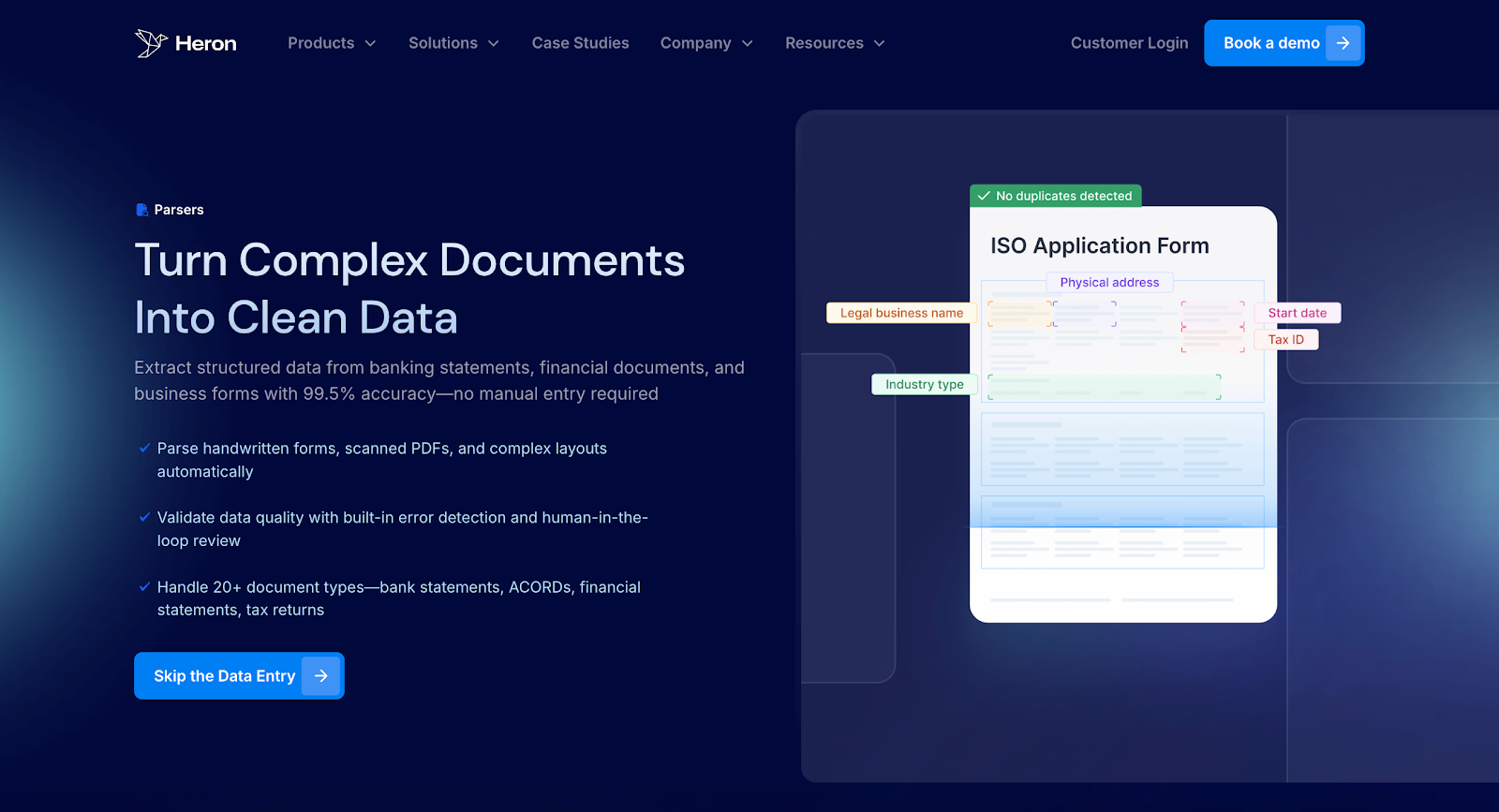
Heron provides automated solutions that help high-volume MCA funders and brokers move from slow, manual bank statement review to fast, high-reliability scrubbing.
Teams that used to spend 10–15 minutes per file now see clean numbers in seconds, without adding headcount or building new systems from scratch.
For bank statements, Heron processes files right after you upload them to your submissions inbox.
It scrubs statements as they arrive, pulls the fields your underwriters care about, and adds a helpful dimension by syncing them straight into your CRM so they don’t live in PDFs anymore.
Alongside bank statement scrubbing, Heron adds capabilities like KYB checks, SOS checks, website presence analysis, and instant court research.
Key features that show how Heron helps with bank statement scrubbing:
- Scrubs statements for deposits, NSFs, existing debt, and risk flags, giving underwriters decision-ready numbers instead of raw PDFs.
- Uses built-in document fraud detection and bank statement scanning to catch fake or altered files before they reach your team.
- Flags missing months and gaps early, keeping queues clean and reducing kick-outs.
- Syncs structured data into Salesforce, LendSaaS, and other systems with seamless integration and simple API connections.
- Supports downstream checks and underwriting efficiency by feeding accurate cash-flow fields.
Heron already helps teams process hundreds more files each month without adding staff, which is why many CEOs choose it for lending workflows.
FAQs About Bank Statement Reader
Can AI read bank statements?
Yes. AI can read bank statements by pulling deposits, balances, NSFs, and other key fields straight from a PDF or image. Modern tools can handle different formats and languages, which helps teams move faster without digging through pages. Heron reads statements in seconds and sends clean fields into your workflow automatically.
Can ChatGPT analyze bank statements?
ChatGPT can explain how statements work, but it cannot safely process financial documents uploaded directly into a browser for underwriting work. For real reviews, lenders use purpose-built tools like Heron that scrub statements, detect fraud, and format fields the way underwriting teams need.
How to read a bank statement PDF?
You can read a bank statement PDF by checking monthly deposits, daily balances, NSFs, expenses, and unusual activity. Many teams prefer using a bank statement reader so they don’t miss key details on busy days. Heron automates this step by turning each PDF into clean fields your team can use right away.
What software is used to read PDF bank statements?
Teams use bank statement reader software that extracts numbers from PDFs and organizes them into usable fields. These tools help underwriting and intake teams avoid manual typing and spot gaps faster. Heron is one example, offering fast scrubbing, fraud checks, and CRM sync without changing your existing workflow.